AI Undetect
Integrated Detector Dashboard
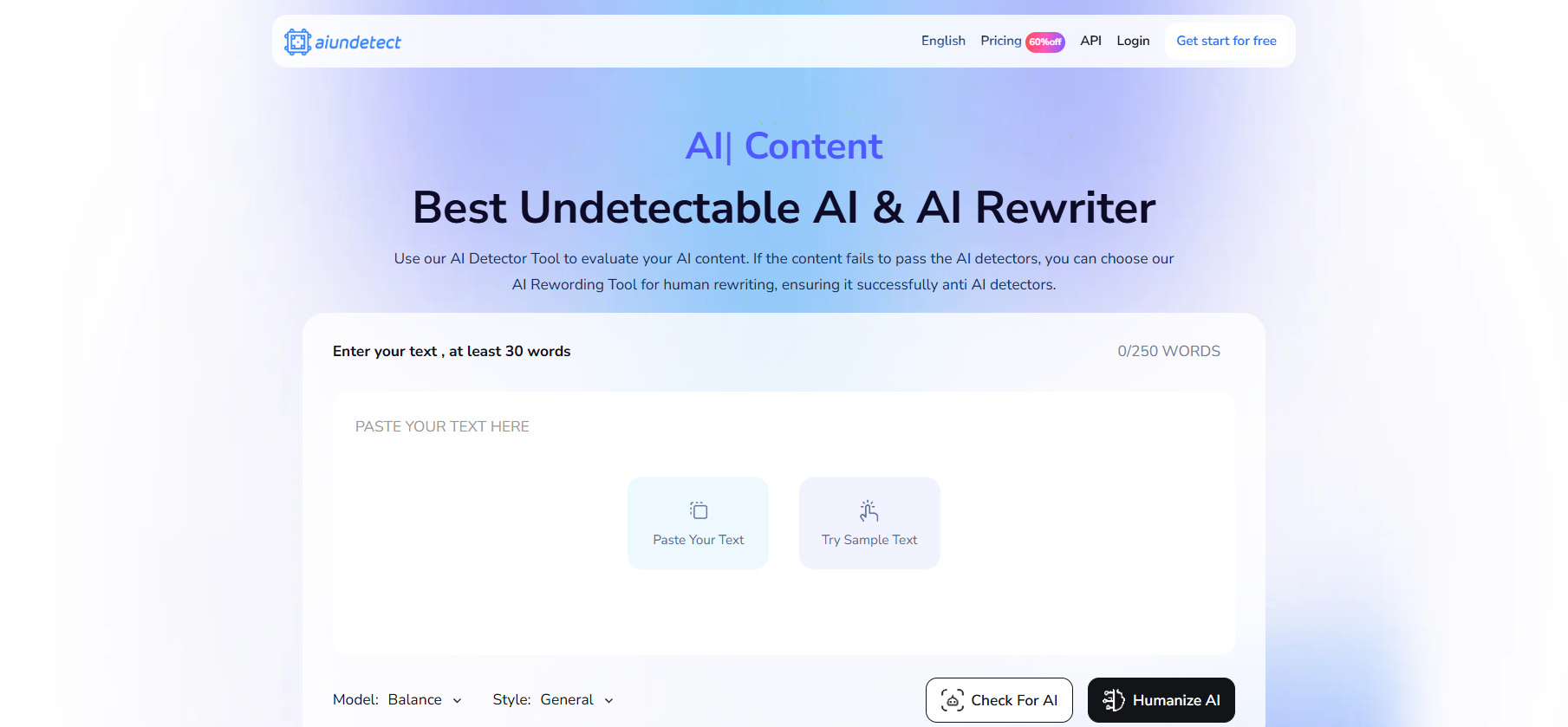
AI Undetect is most useful read as a verification tool first and a rewriter second. Its standout is an integrated dashboard that runs your text through eight major detectors at once — GPTZero, Copyleaks, Turnitin, Originality.ai, Winston AI, Writer and two more — and shows pass/fail and confidence for each in a single view. Its Global Health Check saves the ten-or-fifteen minutes of tab-switching it normally takes to check a document across that many tools. A built-in Undetect V3 engine handles the rewriting, with a free manual mode and a premium iterative mode, plus 20+ languages and an API.
One dashboard, eight detectors
The aggregation is the real value. Instead of trusting a single proprietary "human score," AI Undetect outsources the verdict to the detectors your work will actually face, side by side — a transparent way to know where a piece stands before you submit it. Manual mode lets free users paste text and see those scores, while the premium Auto-Perfect mode rewrites, re-checks and repeats. The 20+ language coverage and developer API extend it to multilingual work and to teams that want to build multi-detector checks into their own tools.
What you get
Global Health CheckRuns text through 8 detectors at once, with pass/fail and confidence for each
Detector aggregationGPTZero, Copyleaks, Turnitin, Originality.ai, Winston AI, Writer and two more
Manual modeFree scoring — paste text and see the detector results
Auto-Perfect modePremium iterative rewrite-and-recheck loop
Languages & API20+ languages and developer API access
How it holds up
The dashboard is genuinely handy: seeing eight detectors agree (or disagree) in one place is the kind of verification step that's tedious to do by hand, and AI Undetect makes it quick and cheap. The honest caveat is the rewriting engine, which is the weaker half of the product — the Auto-Perfect loop can be inconsistent, and reviewers tend to rate the rewrite quality below the dedicated humanizers. That's why it works best as a checking layer: bring your own humanizer you trust, then use AI Undetect's multi-detector view to confirm the result across the tools that matter to you.
The verdict
For the verification-first user who already has a humanizer and wants one place to confirm a draft across many detectors before submitting, AI Undetect is a cheap, transparent and time-saving check — the eight-detector dashboard is the reason to keep it around. Lean on it less as your main rewriter, where the output is uneven, and more as the sanity check at the end of the workflow. Used that way, it earns its low price.
Writing
Undetectable
Humanization
Academic