StealthGPT
Perfect For Students
StealthGPT figured out what a humanizer for students really needs to be: a student in an 11:59 PM panic doesn't need words rewritten so much as the whole workflow handled. So instead of one more paste-in box, it's a full student toolkit — snap a worksheet with your phone and get answers, chat with a PDF of your reading, humanize and submit straight inside Canvas without leaving the tab. If you live on your phone and inside your LMS, it's about as complete as a student toolkit gets. The trade is that it's all-in on students — a couple of rough edges, no free tier to test-drive — but for the workflow it's built for, it goes remarkably deep.
More than a humanizer
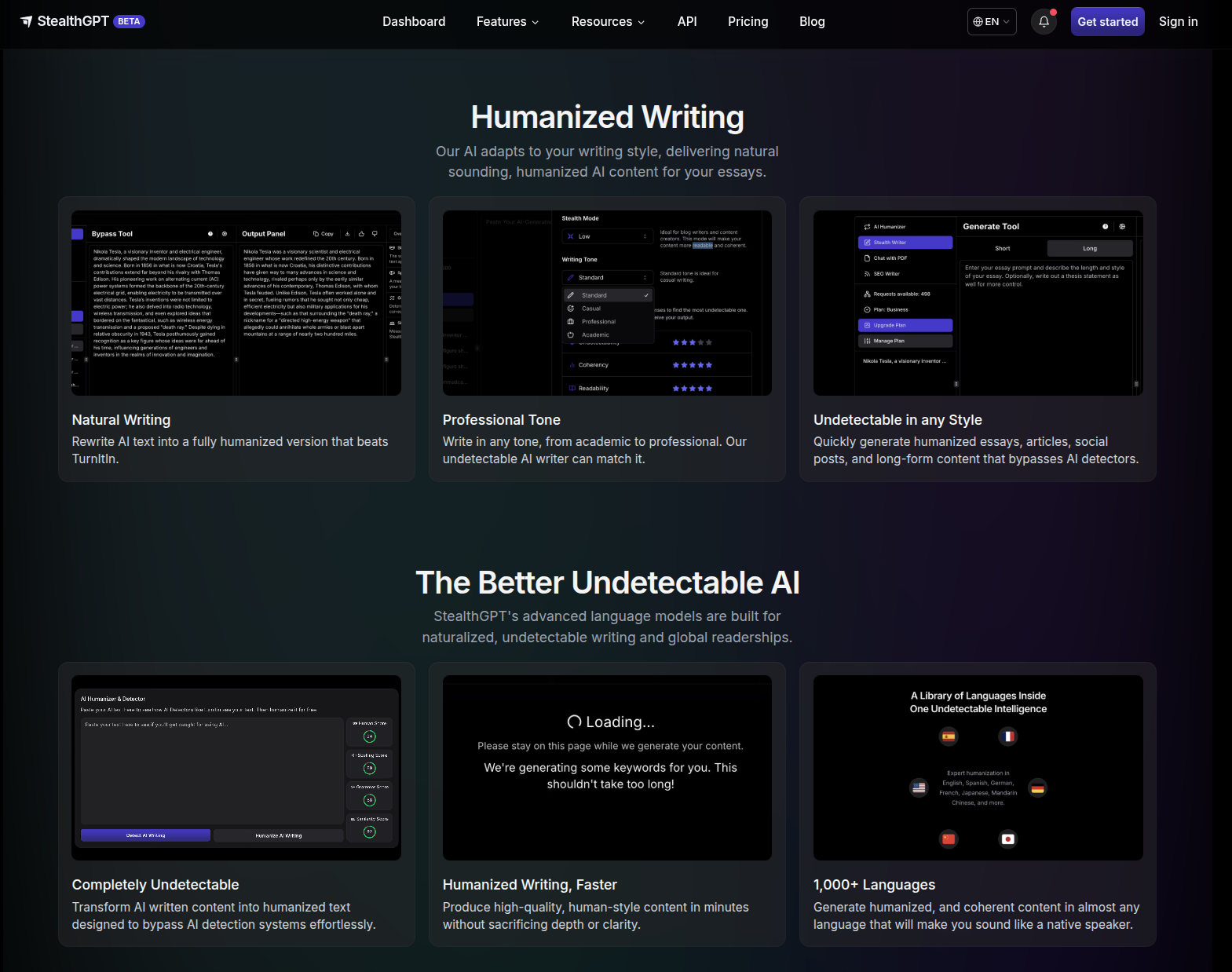
StealthGPT is built as a student operating system, not just a rewrite, and the breadth is the point: photo input for physical worksheets, PDF chat for your readings, an in-LMS extension so you never switch tabs, and a Samurai mode for the assignments that have to clear the strictest detectors.
What you get
Underneath is the proprietary Stealth Engine; everything else sits on top of it.
Engine
Two modes — Standard (daily work) · Samurai (maximum evasion)
Mobile-first tools
Photo to Answers (snap a worksheet → undetectable answer) · Chat with PDF (question your readings, with citations)
Where it works
Chrome extension inside Docs / Canvas / Blackboard · native iOS app · web dashboard
Extras
MLA/APA citation generator (~80% accuracy) · SEO Writer · developer API
Languages
English, Spanish, German, French, Japanese, Mandarin
How it holds up
The headline isn't a bypass percentage — it's the time the workflow saves. Because the generate-humanize-submit loop never leaves your LMS, a discussion post comes together in about three minutes start to finish. Photo to Answers reads handwritten calculus, history worksheets, and whiteboard equations — physical material a paste-in box can't touch at all. Samurai is the mode to reach for when a piece has to clear the strictest detector settings; Standard handles routine weekly work. Treat the citation generator as a fast first draft — ~80% accuracy means a quick proofread before you submit.
The catch
A few honest edges, none fatal to the pitch: there's no free tier, so you can't kick the tires before committing; there's no document history yet, so save as you go; and the ~80% citation accuracy makes that feature a time-saver, not a hands-off one. These are the trade-offs of a tool that went deep on the student workflow instead of wide on a single rewrite box.
The verdict
For the student who lives on their phone and inside their LMS, StealthGPT is an exceptionally complete tool — photo input, PDF chat, and the in-LMS extension turn "humanize my essay" into a workflow that reclaims real hours, and Samurai covers the high-stakes pieces. A casual user who just needs the occasional rewrite is paying for an ecosystem they won't use; but if that ecosystem is your daily reality, this is the one to reach for. Start with the Chrome extension — it's the piece that changes how submitting feels.
Writing
Undetectable
SEO
Humanization
+1