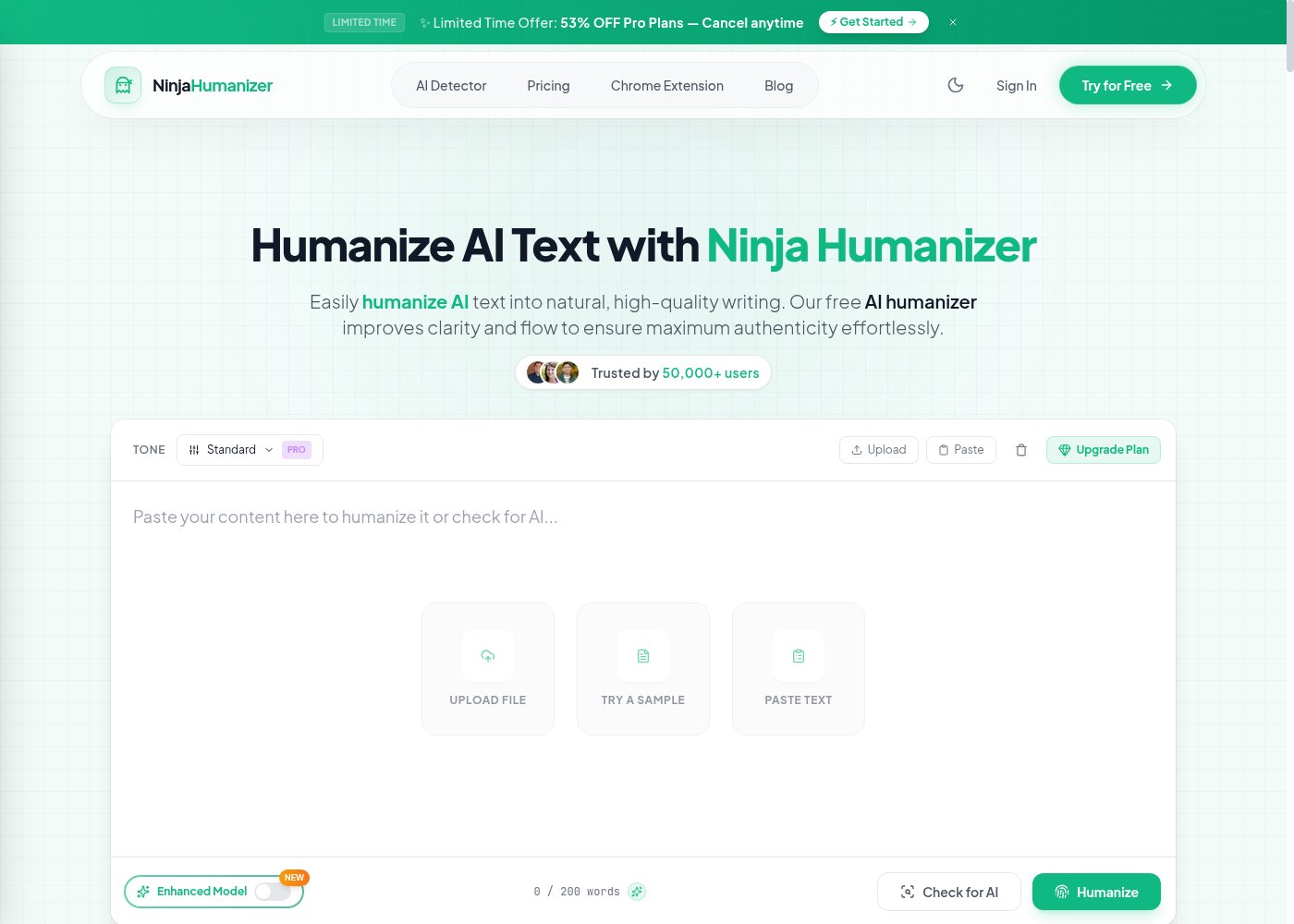
Ninja Humanizer
Tone-selector humanizer, with API
Ninja Humanizer's pitch is loud — zero detection against five top detectors, every tone you need, all in one tab. Underneath that pitch is a tool that's more measured, and more useful for what it actually does well: the tone selector respects register in a way most humanizers don't, and the tab-level rewrite is a real workflow win.
Tone selector that respects register
What sets Ninja apart isn't the marketing — it's that Academic mode preserves citation density and footnotes that most humanizers flatten, Professional mode keeps a memo from sliding into casual chatter, and Standard mode sits as a sensible default. That's the rare combination in a category where most tools treat tone as an afterthought. The premium tone stack — Academic, Professional, Standard, and additional modes — is where the value lives, and the editor lets you switch between them mid-rewrite without losing context.
What you get
TonesAcademic · Professional · Standard · Plus additional tone modes
Speed1,000 words in under three seconds
Languages50+ languages
Where it runsWeb editor · Chrome/Edge extension · API
Data handlingRAM-only processing, zero data retention
SEO postureSEO-boosted content output by default
Built into your tab, with an API for production
The Chrome and Edge extension does the rewrite where you're already writing — that's a daily-use workflow win, not a paste-in box you have to bounce to and from. Higher tiers open up a production-ready API, which puts Ninja on a short list of humanizers you can wire into a real pipeline rather than just a single-user daily-use tool. RAM-only processing and zero data retention are the posture on top — paste, rewrite, and the server walks away empty-handed.
What the 0% claim actually means
The homepage claims zero detection against Turnitin, GPTZero, Originality.ai, Copyleaks, and ZeroGPT. Their own Terms of Service softens that with the standard disclaimer language — what's uncommon is having published it. Read the 0% as marketing and the high-90s range from independent testing as the operating reality. Strong, not perfect, and the ToS is unusually candid about that.
The catch
Long academic or legal drafts drift on the strictest detector settings, same as the rest of the category — expect a second pass by a human once-over for the toughest work.
The verdict
For the writer who needs a tone selector that actually shapes output, or the team wiring a humanizer into a real product workflow, Ninja is a focused pick. Try Academic and Professional on a piece you wrote last week, scan it against your detector, and the tone control is the piece that earns the upgrade.
Writing
Undetectable
API
Humanization
+1