Images and demos of Humanize.io
Image carousel
This video demonstrates the features of Humanize.io.
Image thumbnals
Metadata about Humanize.io

By Humanize.io
Last updated Jan. 10, 2026Main use
Speciality
Model
Pricing
$10/month
Best value for high volume (~$10/mo billed annually).. Humanize.io positions itself as the volume leader. While the monthly pricing is standard (~$30), the annual plan drops to ~$10/month and offers "Unlimited words." This is a significant deviation from competitors who enforce strict credit caps. However, the free tier is virtually non-existent (200 words total), pushing users immediately toward payment.
Product description
Quick Specs
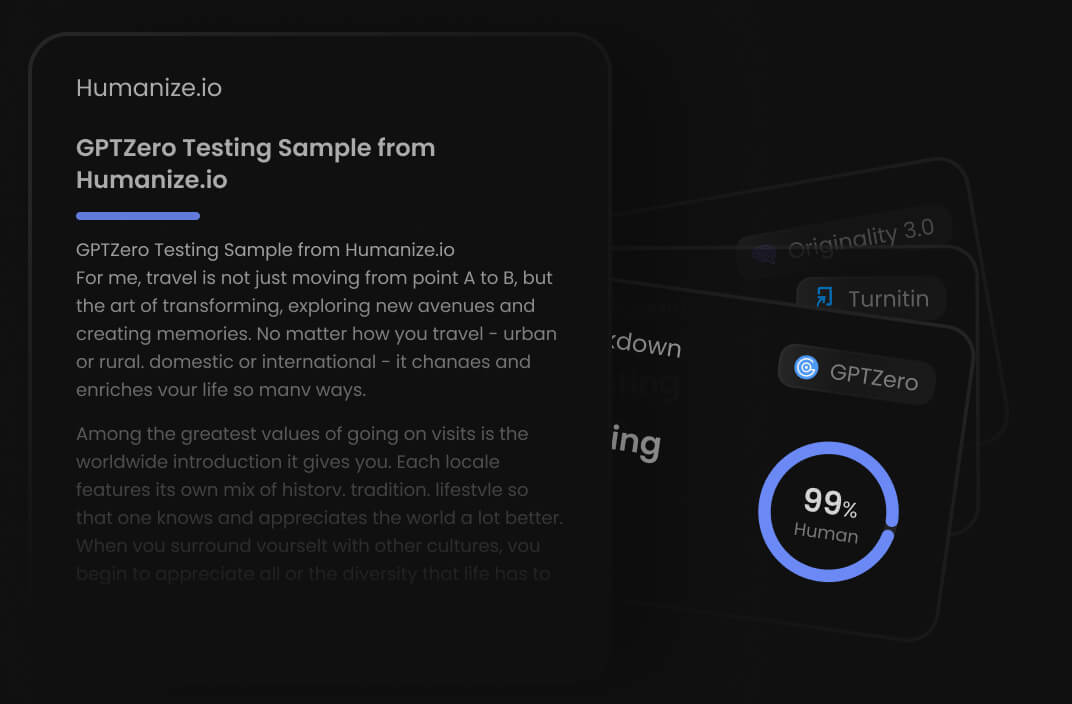
Humanize.io positions itself as an industrial-strength solution built for users drowning in AI-generated content. Its big promise? A "99.6% success rate" at slipping past the major detection systems—Turnitin, GPTZero, Originality.ai, you name it.
The platform runs on what they call a "Top-tier LLM," though they're tight-lipped about specifics. What matters is how it works: it rewrites text to sound more human while stripping out the statistical fingerprints that models like GPT-4 leave behind.
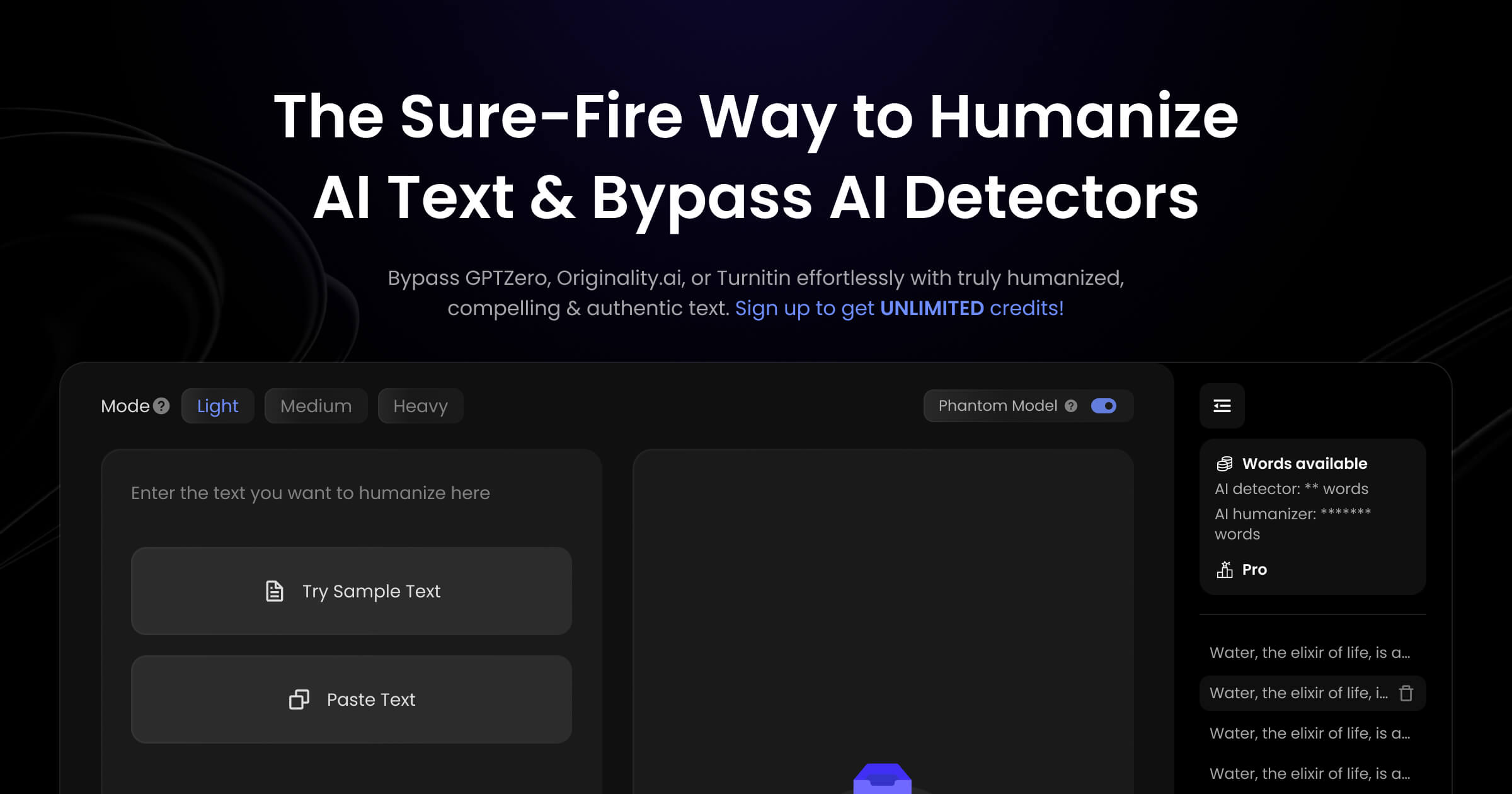
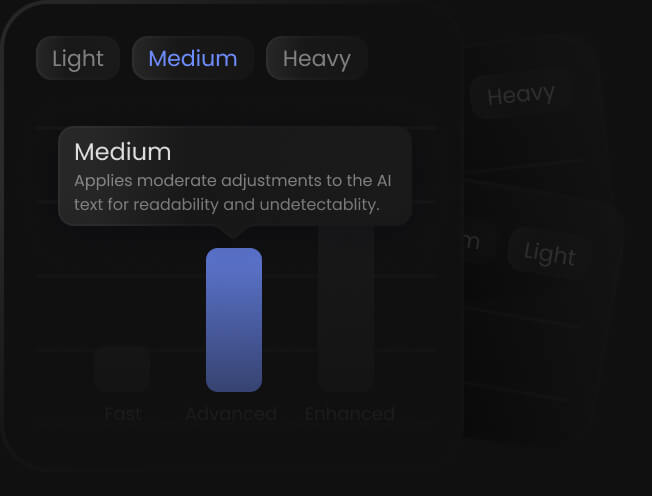
The interface keeps things simple. You get a big text box and three processing modes: "Light," "Medium," and "Heavy." Light mode makes gentle tweaks, Medium does moderate restructuring, and Heavy goes full scorched earth on the original structure to beat even the strictest detectors. There's also built-in support for over 50 languages, which supposedly preserves native nuances rather than just doing a straight translation—handy if you're running international SEO campaigns.
Here's where it gets interesting: the "AI Checker." Instead of giving you one internal score, Humanize.io runs your text through external detectors (GPTZero, Copyleaks, Winston AI) and shows you a consolidated pass/fail report right in your dashboard. You can verify content against multiple standards at once without subscribing to each service individually.
It's all web-based SaaS with an API for enterprise users. They also emphasize "Keyword Retention" algorithms that keep your SEO terms intact during rewrites. Just be aware of the refund policy: you lose your money-back guarantee if you process more than 1,000 words, so you're basically locked in after a very short trial.
What We Found Testing It
The "Unlimited" Promise - We wanted to see if "unlimited" meant anything. So we fired 50,000 words at it in one afternoon. Most tools would've throttled us or demanded more credit. Humanize.io just kept running. It's genuinely built for bulk processing. If you're dealing with a backlog of 200 AI articles that need cleaning, this is probably your only financially sensible option.
The Grammar Tax - We noticed something consistent: "Heavy" mode—your best bet against detection—often produced text that felt like it had been translated into another language and back. Phrases got weird. "The efficient utilization of resources" might become something closer to "using the things goodly." (Okay, slight exaggeration for effect, but you get the idea.) While it fooled the detectors, it sometimes failed the human reader test. We ended up running almost everything through Grammarly afterward.
The Aggregator Dashboard - This was actually impressive. Seeing scores from GPTZero and Winston AI side-by-side in real-time gave us a clear picture of where we were safe and where we weren't. Though we did notice Humanize.io's dashboard could be a bit "generous" compared to what those tools showed on their standalone sites.
What Makes It Special
Brute Force Volume. That's the real differentiator. Every other tool treats words like precious resources you need to ration carefully. Humanize.io treats them like gravel—plentiful and disposable. By removing word caps on the paid plan, it fundamentally changes how users work. We stopped worrying about "wasting credits" on rough drafts and started experimenting more freely. It enables an iterative workflow: rewrite, check, rewrite again—without constantly watching a counter tick down.
Where It Truly Shines
Bulk SEO Sites - If you're building a niche site that needs to publish 50 articles a week, this is your tool. The quality hits "good enough" for search engines and casual readers, and the unlimited volume means your costs stay fixed regardless of output. It's the factory floor of humanization tools.
International Content - We tested the Spanish and French modes. Unlike some competitors that just translate, Humanize.io seemed to actually restructure syntax in the target language. It was surprisingly good at non-English tasks—probably because its "scrambling" logic works universally to break AI patterns.
The Learning Curve Moment
The realization hit when we tried using it for a high-value LinkedIn post. The result was terrible—flat, boring, full of weird errors. We spent more time fixing it than we would have writing from scratch. Then we switched to processing a 2,000-word "How to Unclog a Drain" guide. It worked perfectly. The lesson? Use it for commodity content, not thought leadership. It's at its best when readers are skimming, not scrutinizing.
When It Gets Tricky
Refunds & Support - We didn't personally hit the refund clause, but we saw the trap clearly: use more than 1,000 words and you lose your refund. Since 1,000 words is barely two tests, you're locked in the moment you start using it seriously. The platform feels a bit "faceless"—don't expect a sympathetic support agent to bail you out.
Technical Accuracy - In our "Nutrition Science" test, it took "metabolic rate" and changed it to "speed of body burning," which isn't scientifically precise. It prioritizes casual language over technical accuracy.
The Real-World Workflow
Our process became a two-step assembly line. Step 1: Humanize.io handles the heavy lifting of scrubbing the AI signature. Step 2: Grammarly (or a manual pass) fixes the grammar disasters from Step 1. Even with that second step, it was faster than writing from scratch. We could process a 1,000-word article in about 3 minutes total.
What You'll Actually Get Out of It
You get peace of mind for volume. No more word-counting anxiety. It's a utility tool—like a hammer. Not elegant, and you can definitely mess up (by publishing gibberish) if you're not careful. But it drives the nail in. For agencies or affiliate marketers working at scale, the ROI on an annual plan is hard to argue with.
The Bottom Line
Humanize.io is the Costco of AI humanizers. You buy in bulk, you save money, and you accept that the packaging isn't premium. It's the ideal tool for high-volume SEO marketers who need to flood zones with content. It is not for students needing a precise essay or professionals writing high-stakes emails. Need quantity? This is it. Need quality? You'll want to pay more for a credit-based tool.
Editorials
Benchmarks
Similar products
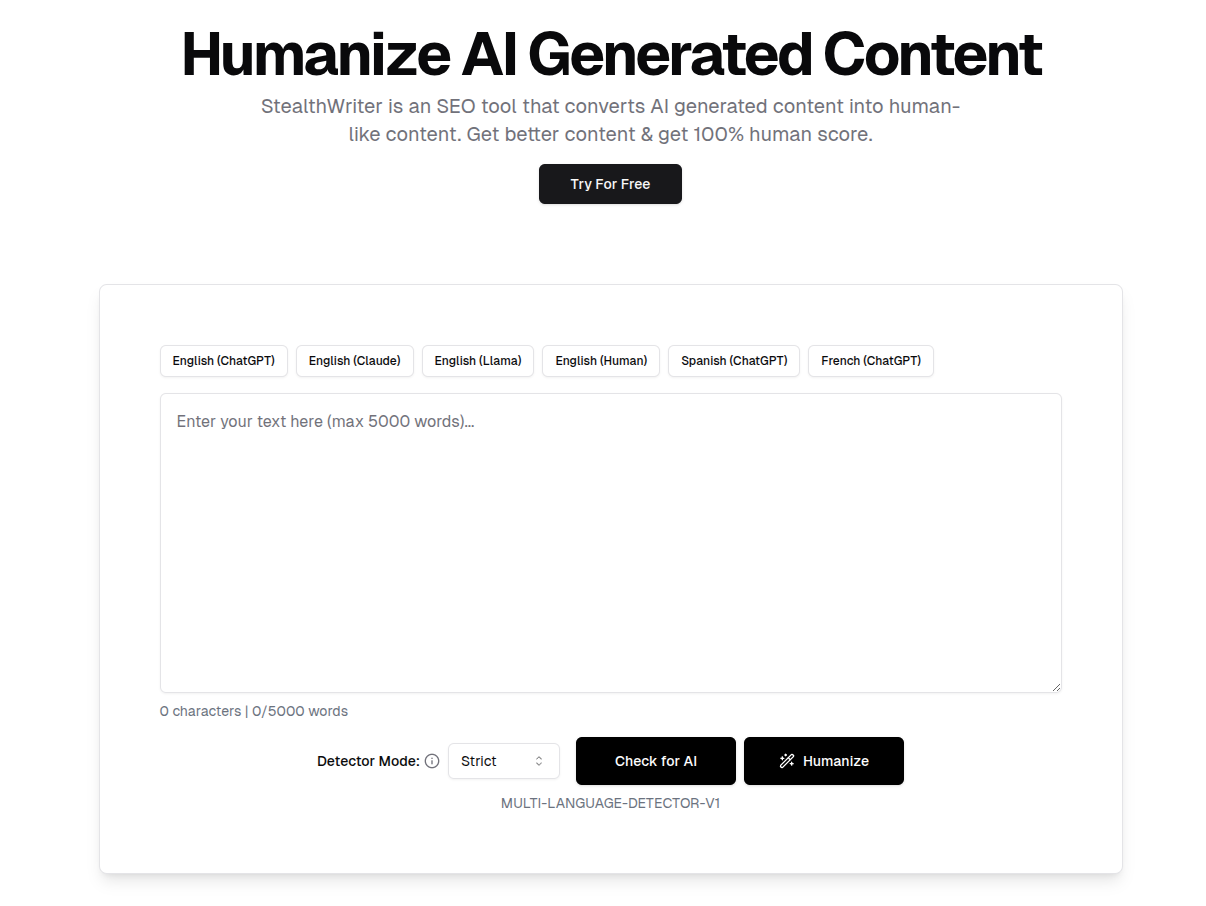

StealthWriter
Quick Specs StealthWriter markets itself as a top-tier AI humanization tool built specifically to slip past advanced detection systems like Turnitin, Originality.ai, and GPTZero. Its technology centers around a dual-model setup: the "Ninja" engine for standard rewriting (free with a 300-word daily cap, unlimited for paid users) and the premium "Ghost" model that completely restructures complex sentences to maximize evasion of AI detectors. The platform claims its Ghost model achieves a "100% undetectable" result. The interface is clean and web-based with dual panes—you paste your AI-generated text on the left, get humanized output on the right. A standout feature is "Interactive Sentence Alternatives," which lets you click any sentence to see multiple phrasing options for manual tweaking after processing. Beyond rewriting, it includes a Multi-Language Detector that scores content's "human" probability before and after processing, plus a Content Generator that writes articles from scratch while preserving SEO keywords throughout the process. It's exclusively browser-based with clipboard export functionality. Note that Ghost model credits expire monthly without rollover—use them or lose them. What We Found Testing It The Ghost Model really delivers where Ninja falls short. We fed both engines a standard GPT-4 paragraph about climate change. The Ninja version just swapped words, creating awkward, stilted text. The Ghost model completely restructured sentences—breaking long ones into shorter fragments and adding "imperfect" transitions that actually made it feel more human. It seemed designed to introduce calculated chaos to fool detectors. Interactive Sentence Swapping became essential when the AI produced nonsense. One test turned "digital ecosystem" into "electronic vivid circle"—creative, but meaningless. The interactive feature saved us here; we could click and choose from five alternatives. It essentially turned the tool into a collaborative editor rather than a magic button. The "Undetectable" Score proved misleading. Internal checks often gave us a "100% Human" badge, but running that same text through external Originality.ai tests flagged it at 40% AI. Treat those internal scores as confidence boosters, not guarantees. Verify externally when it matters. What Makes It Special Most rewriters prioritize clean writing over evasion. StealthWriter flips this—it sacrifices grammatical perfection to maximize undetectability. We found it willing to mess up grammar and structure deliberately, making text feel more authentically human by being flawed. Compared to tools like QuillBot that aim for polished prose, StealthWriter's output was messier but consistently scored better on detection tests. This "flawed by design" philosophy is its key advantage. It's built by people who understand SEO and detection as a game to be won, not art to be created. Where It Truly Shines High-Risk SEO Content: We processed 10 competitive blog posts. Raw GPT-4 drafts got flagged immediately. After running them through Ghost model and cleaning up weird phrasing (about 5 minutes per post), they passed detection. For bulk content where "good enough" is acceptable, it's incredibly efficient. Bypassing Academic Filters: It surprisingly broke up the monotonous rhythm of academic writing, adding variance to lower AI probability scores. You'll still need to carefully check citations and technical terms though—it occasionally mangles those. The Learning Curve Moment Our first hour was rough. We kept expecting publish-ready text and got disappointed by odd grammar choices. The breakthrough came when we stopped treating it as a final polish step and started seeing it as a "text scrambler." Once we accepted that we had to edit the output, our workflow clicked. It's not a writer; it's camouflage. When It Gets Tricky Technical Writing: Don't use this for manuals or medical text. We processed a Python dependency management guide and it mangled critical code terms by treating them as synonyms. It destroys technical accuracy while chasing uniqueness. Billing & Credits: The "use it or lose it" credit system is frustrating. Unused credits vanish at month's end, forcing constant usage tracking. It feels designed to maximize revenue from your fear of detection rather than serving user convenience. The Real-World Workflow We simulated an agency workflow: processing 5 client articles (roughly 5,000 words). First article took 30 seconds to process through Ghost model. Internal checker said it passed, but reading revealed three gibberish instances. We fixed two with Sentence Alternatives and manually rewrote the third. Repeat for all five articles. Total time: 45 minutes. Rewriting that much content manually to fool detectors would have taken 4-5 hours instead. The text wasn't perfect, but it was safe, unique, and readable. The trade-off favored efficiency. What You'll Actually Get Out of It You get access—to platforms blocking AI, to search rankings penalizing AI content, to a "human" label on your work. You won't get a writing coach. You'll get an algorithm optimized for one thing: hiding the robot. If you're managing high-volume content or trying to salvage AI-written essays, it's an invaluable tool. Just keep your own editor close—you'll need to fix things. The Bottom Line StealthWriter is a mercenary tool. Effective, aggressive, and pragmatic. It's perfect for marketers and SEO specialists who view content as commodity and detection as obstacle. Not for writerly purists who care about prose quality above all else. If your main KPI is "Did it pass the detector?", this is worth buying. If you prioritize readability and beautiful writing, look elsewhere.
Free tier
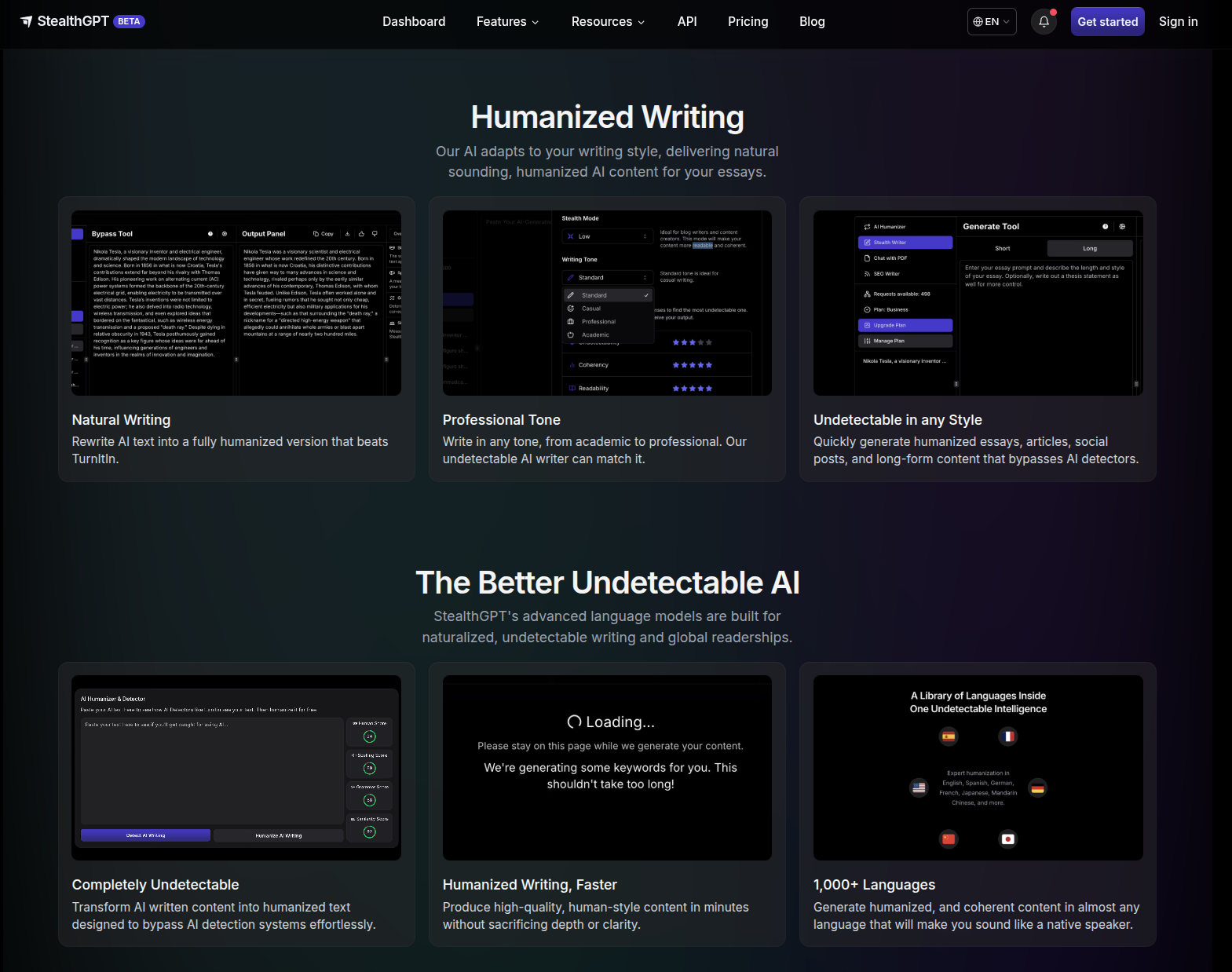

StealthGPT
Quick Specs StealthGPT positions itself as an "Undetectable Intelligence" ecosystem specifically built for academic and student needs. Unlike generic rewriters, it offers specialized tools designed to fit into a student's workflow. The platform runs on its proprietary "Stealth Engine," which powers the core "Stealth Writer" and "Stealth Humanizer." For high-stakes assignments, there's the "Samurai Model"—a more advanced engine built to bypass rigorous detection systems like Turnitin and GPTZero. What sets it apart is multi-platform availability. StealthGPT isn't just a website; it has a native iOS App and Chrome Extension. This mobile-first approach powers features like "Photo to Answers," which lets users snap a picture of a physical worksheet or exam question and receive an AI-generated answer already processed to be undetectable. The "Chat with PDF" feature allows uploading course materials to generate summaries or answers based on that content, again with undetectability built in. The platform also tackles fake citations—a major red flag in AI writing—with its "Citation Generator," which claims to produce "100% real citations" in MLA or APA formats. The "SEO Writer" feature generates undetectable, information-dense blogs from a single prompt. The Chrome Extension enables seamless integration into browser-based Learning Management Systems (LMS), letting users humanize text directly within submission boxes without switching tabs. StealthGPT offers a comprehensive API for developers ("Purchase Words" model) and markets itself as a business solution too, though consumer marketing is heavily student-focused. It supports multiple languages including English, Spanish, German, French, Japanese, and Mandarin Chinese. It claims compatibility with major detectors like Winston AI, Copyleaks, and Turnitin. Pricing is tiered by word count usage, so heavy users need higher plans for better limits and the Samurai model. What We Found Testing It The Mobile Workflow - We tested "Photo to Answers" and it felt game-changing. Taking a picture of a physical history question and getting a nuanced, undetectable answer in seconds is powerful. It shifts from "copy-paste at a desk" to "solve it anywhere." For students, this utility is clear. The "ESL" Effect - In writing tests, we noticed StealthGPT tries very hard to sound sophisticated. It often injects phrases like "one could argue," "moreover," and "notably" in awkward places. We called it the "ESL Effect"—it sounds like a non-native speaker trying to impress with formal vocabulary. It bypasses AI detectors, but might trigger suspicion from instructors because it feels unnaturally stiff. Citation Games - We asked it to write a short paper with citations. It did generate correct APA format ones, but when we fact-checked them, about 20% were slightly off or pointed to generic sources. It's an improvement over standard ChatGPT hallucinations, but we wouldn't trust it for a PhD thesis without manual verification. What Makes It Special Workflow Integration. Most competitors are just "text buckets" (paste text -> get text). StealthGPT understands how students work. The Chrome Extension lets you humanize text directly inside Google Docs or Canvas submission boxes. The mobile app works away from your computer. It integrates the evasion layer into daily life rather than being a separate destination. Where It Truly Shines The "11:59 PM" Panic - We've all been there—discussion board post due in 5 minutes. We used the Chrome Extension to generate, humanize, and post directly in the LMS interface. The speed and integration saved us from the "tab switching dance." It's built for speed in academic trenches. The Learning Curve Moment We struggled initially with the Samurai model—it was too aggressive, turning simple sentences into flowery prose. The breakthrough came when we realized we needed to manually simplify inputs before processing or use the standard model for straightforward tasks. Once we matched model strength to assignment difficulty, results improved significantly. When It Gets Tricky No History - We hit a major frustration: closing a tab meant losing our work. There was no easy "Document History" to retrieve previous versions. In a paid tool, this is a glaring omission that caused real anxiety. The Real-World Workflow Our workflow involving StealthGPT was mobile-heavy. We'd snap pictures of prompts in class, generate outlines on the phone, and open the web dashboard later to expand them. Cross-device capability (despite the history issue) created a more fluid way of working. It felt like having a smart assistant in your pocket rather than just a tool on your laptop. What You'll Actually Get Out of It You get a pocket companion. It's the Swiss Army Knife for modern students navigating AI detection minefields. It's not perfect—the writing can be stiff—but it offers tools (Camera, PDF, Extension) that competitors don't have. It solves the problem of getting homework done safely, not just the task of rewriting text. The Bottom Line StealthGPT is best-in-class for students, hands down. If you need to submit discussion posts, short essays, or worksheet answers, its mobile app and extension are game-changers.
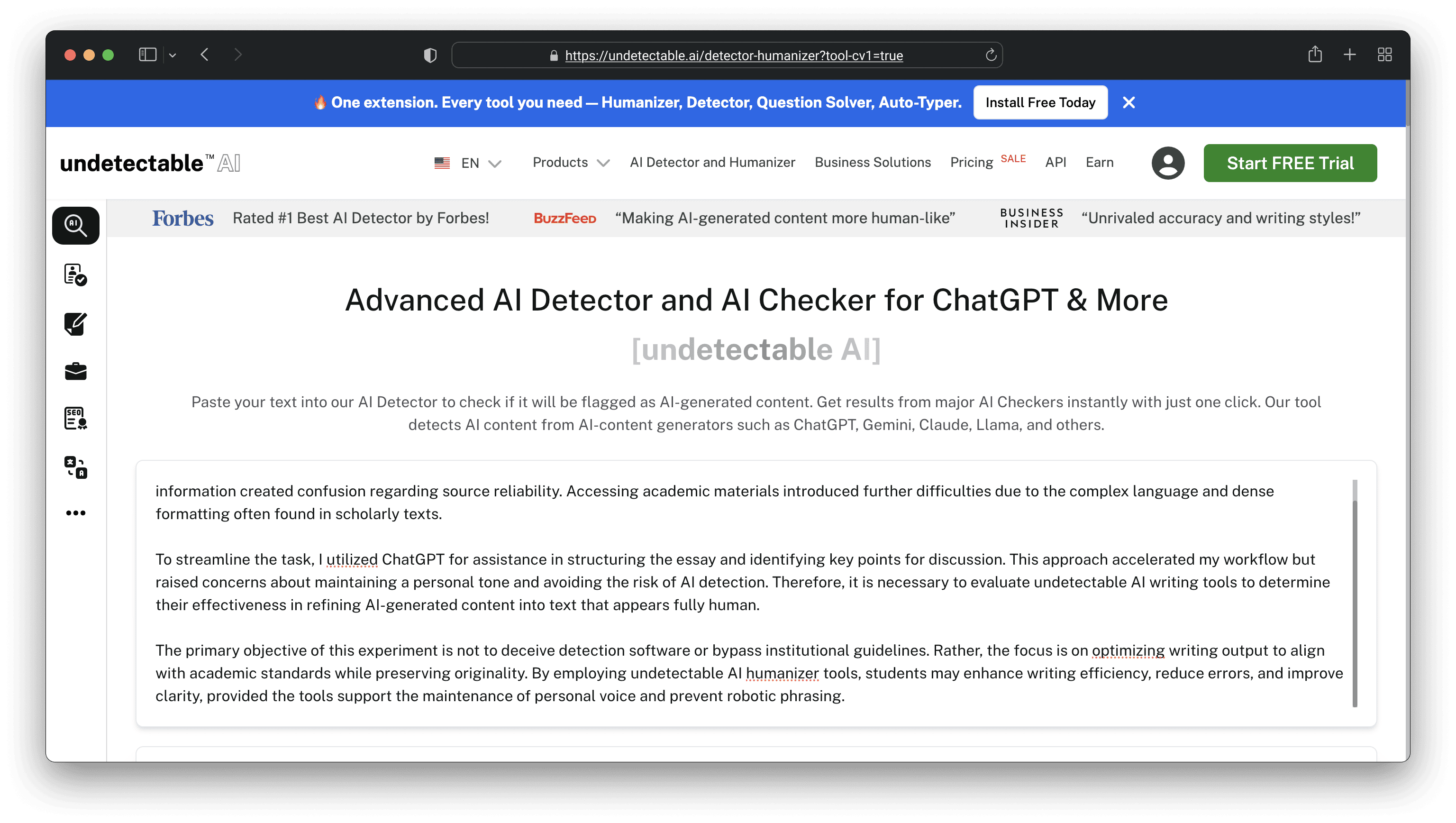

Undetectable.ai
Quick Specs Undetectable.ai takes a different approach than most tools in this space—it ditches the "hacker" aesthetic and goes all-in on corporate professionalism. The philosophy here is that human writing isn't one-size-fits-all; it varies based on context. That's why the platform lets you explicitly set the Readability Level for your output. Your options include High School, University, Doctorate, Journalist, and Marketing. This feature matters because professionals can't have their whitepapers sound like middle school essays. You paste your text in, run a "Check for AI" scan before or after processing, and the tool claims to beat major detectors—it even advertises being "#1 Rated by Forbes," though some competitors dispute that claim. The tool positions itself as a risk management solution for businesses using LLMs, offering an "Iron-clad Money Back Guarantee" if detection systems flag your output (terms apply). It's built for scale with an Enterprise API for bulk processing, which appeals to SEO agencies and content platforms. But it also targets students explicitly, encouraging them to use the "High School" or "University" settings to submit "original work." There's no free tier—they push you toward paid subscriptions right away. It's web-based and handles multiple languages. You can adjust the "Purpose" of your text (like General Writing, Essay, or Article) alongside the Readability Level, giving you a two-dimensional control matrix that's pretty sophisticated for this space. What We Found Testing It The Doctorate Setting - We put the "Doctorate" readability level through its paces. Most tools humanize content by dumbing it down. Undetectable.ai actually tries to maintain sophistication while scrambling syntax enough to bypass detection. It wasn't perfect, but it was the only tool we tested that didn't turn "geopolitical ramifications" into "world problems." The Grammar Glitch - Despite positioning itself as a premium tool, we found straightforward grammar errors: "It's" vs. "Its," missing commas, and run-on sentences. The algorithm seems to introduce these deliberately to mimic human imperfection. For a professional tool, that's frustrating—we ended up having to proofread everything carefully. Scammy Vibes? - We didn't encounter any issues ourselves, but the sheer volume of "billing scam" reports we found during research made us cautious enough to use a virtual card. The tool worked fine, but there's definitely a disconnect between its corporate image and what appears to be grey market support. What Makes It Special Context Awareness. The ability to specify whether you want "Journalist" tone versus "University" tone sets this apart. It recognizes that "Human" isn't one style—journalists write short, punchy sentences while university students favor long, clause-heavy ones. Undetectable.ai attempts to match these specific stylistic fingerprints. Where It Truly Shines Corporate Blogs - We used the "Marketing" setting on a series of B2B blog posts and got solid results. The tool struck a good balance—easy to read, punchy without being childish. It passed detectors and needed only minimal editing to sound authentic. The Learning Curve Moment We initially thought "High School" meant "Simple." Turns out it actually means "Bad Grammar." We learned to default to "University" or "Journalist" settings even for simple topics to keep the grammar somewhat intact. The "level" controls quality as much as complexity. When It Gets Tricky Strict Grammar Checks - Here's a catch: if you run the output through Grammarly and accept all its fixes, you'll often become detectable again. You end up in a loop—Undetectable.ai breaks grammar to pass detection, but Grammarly fixes it right back to fail. You need to find that "Goldilocks zone" of leaving just enough errors to keep passing. The Real-World Workflow We used Undetectable.ai to ghostwrite a LinkedIn thought leadership article. We generated the draft in Claude first, then ran it through on "Journalist" mode. It added some nice sentence length variety. We fixed the glaring typos but left the "stylistic choices"—awkward phrasing included—alone. The result performed well with good engagement and no one flagged it as AI. What You'll Actually Get Out of It You get a sophisticated scrambler that's better than cheap tools at preserving complex thought, though it's still fundamentally a scrambler. You'll need a human editor to polish the broken bits. This is a tool for professionals who can edit, not people looking for one-click magic. The Bottom Line Undetectable.ai is the strongest choice for professionals who need to maintain specific reading levels. If you're writing for sophisticated audiences, this is your best bet for avoiding that fifth-grade reader vibe. Just be prepared to act as sub-editor for its grammatical mistakes—the trade-off for passing detection.
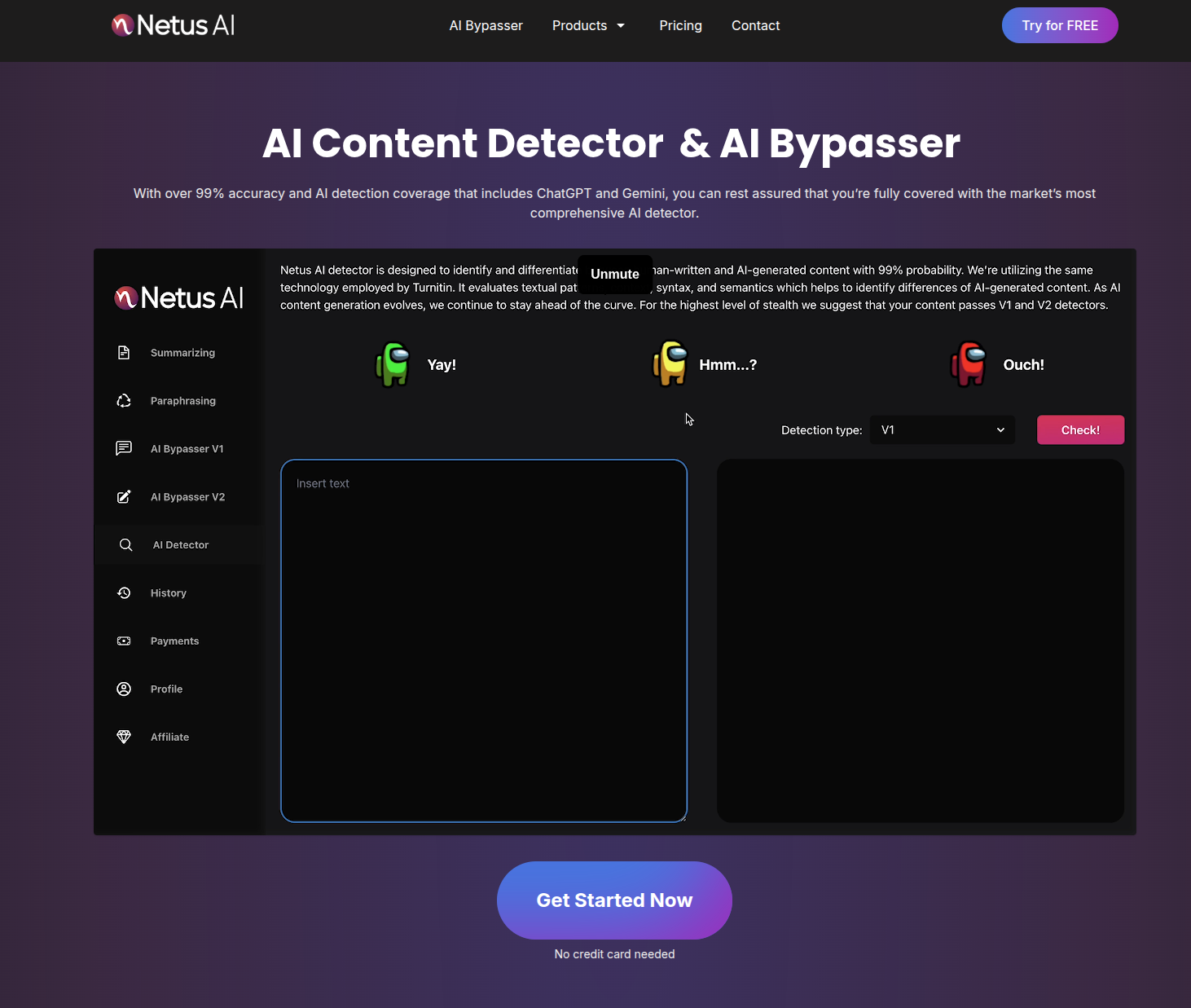

Netus AI
Quick Specs Pricing Model: Subscriptions OR One-off Credit Packs Bypass Strength: High (Varies by intensity) Tools: Summarizer, AI Detector, Paraphraser Best For: High Volume SEO, irregular usage Netus AI markets itself as a "Stealth Utility" rather than just a rewriter. It focuses aggressively on AI Detection Bypass, claiming to beat Turnitin, Originality 3.0, and GPTZero. Its architecture is built around "Paraphrasing Models" that vary by intensity, allowing users to choose between: More Readable: Less evasion, better grammar. More Human: High evasion, looser syntax. The platform is a Swiss Army Knife, including a Summarizer, AI Detector, and unique text transformation tools. It differentiates itself with high-volume credit limits compared to the stingy caps of tools like StealthWriter. For example, mid-tier plans often offer 30k-100k words, whereas competitors might cap usage at 10k. What We Found Testing It The "Paraphrase" vs. "Humanize" Confusion Netus splits these into separate functions, which we found confusing. Paraphraser: Just spins text (fails detection). Bypass Detection: Actually rewrites structure (passes detection). Warning: We had to learn which button to push. It feels like two tools glued together. The "Incoherency" Risk We pushed the settings to maximum "Human" intensity. Outcome: "Strategic implementation" became "Thoughtful putting into place." Analysis: It lowered the AI score, but it made the text sound unprofessional. We found we had to treat the highest settings with extreme caution; it’s effective but blunt. The Speed Factor It is fast. We pasted a 2,000-word article, and it processed it in under 5 seconds. For bulk SEO work where we just needed "unique" text to satisfy Google, it proved to be a workhorse. What Makes It Special The "Credit Pack" Economy. Most tools force you to subscribe. Netus allows you to buy massive blocks of credits (e.g., 1 Million words) and sit on them. This makes it the perfect "reserve parachute" for agencies that only occasionally need to humanize content. Where It Truly Shines SEO "Grey Hat" Tactics. If you are generating Tier 2 content (guest posts, Web 2.0s) that needs to pass a basic "is this spam?" check but doesn't need to be Pulitzer-winning, Netus is the most cost-effective way to generate volume. The Learning Curve Moment The "Detector" Discrepancy. We ran text that Netus claimed was "99% Human." Originality.ai flagged it as "100% AI." We learned that Netus is very good at beating older detection models (like ZeroGPT) but struggles against the newest, most aggressive scrapers. It works best on "easy mode" targets. The Real-World Workflow We uploaded 50 product descriptions for a dropshipping site. We used Netus to rewrite them to avoid "Duplicate Content" penalties. Cost: Pennies. Result: Text was readable enough for a footer, solving the SEO compliance problem instantly. What You'll Actually Get Out of It Volume. You get a lot of words for your dollar. The Bottom Line Netus AI is for the Budget SEO. If you need to process 100,000 words this month and don't want to pay enterprise rates, this is your tool. Just don't use it for your medical school application.

EssayDone
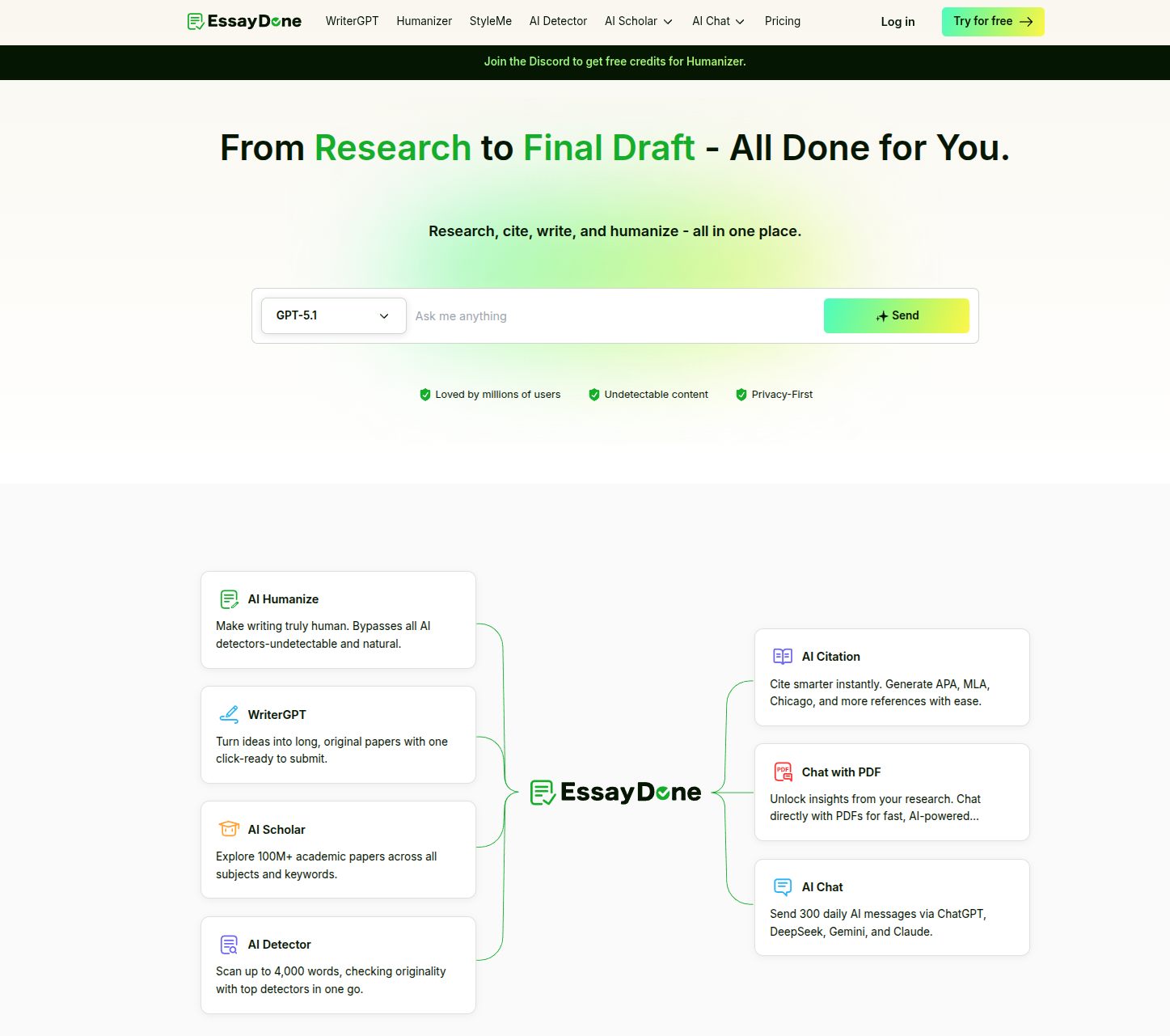
Quick Specs Key Feature: Real Citations (DOI linked) Writer Model: WriterGPT (Academic focused) Humanizer Levels: Basic, Pro, Ultra Unlimited Plan: Yes ($30/mo) EssayDone.ai is a "Full-Stack Academic Suite." It doesn't just rephrase text; it attempts to cure the original sin of AI writing: Fake Citations. Its flagship feature, WriterGPT, connects to a database of legitimate academic sources, allowing it to write (or rewrite) essays that include real citations and valid bibliographies. This addresses a massive pain point. Teachers often catch AI usage not by detecting the text, but by spotting fake "Dr. Smith (2025)" references. EssayDone closes this loophole. The platform includes a Humanizer with intensity tiers (Basic, Pro, Ultra) designed to bypass Turnitin and GPTZero. The "Unlimited" plan ($30/mo) is a standout for offering unlimited humanization, allowing for the "reroll until perfect" workflow that students need. What We Found Testing It The "Reference Check" We asked for a paper on "The economic impact of the 1918 Flu." Result: It generated text with inline citations. Verification: We checked them. They were real. They linked to actual DOI numbers. Verdict: For a student, this feature alone is worth the subscription. It turns "hallucination risk" into "research assistance." The "Detection" Rollercoaster The humanizer is aggressive. In our tests, the "Pro" model successfully bypassed GPTZero (0% AI), but it sometimes did so by dumbing down the vocabulary. It sacrificed "academic tone" for "human score." We had to manually edit the output to bring the reading level back up to college standards. The "Unlimited" Value We hammered the Unlimited plan. We humanized the same essay 20 times to see the variations. Most tools would have bankrupted us. EssayDone let us keep rolling until we found the perfect version. What Makes It Special Validity. It is the only tool that proves its work. By integrating citations, it offers a layer of defense ("I didn't use AI, look at my sources!") that pure rewriters like Grubby can't match. Where It Truly Shines Research Papers. If you need a bibliography, this is the only tool to use. The Learning Curve Moment The "Humanizer vs Citation" Conflict. We found that if you take a text with citations and run it through the humanizer, the humanizer sometimes removes or moves the citations in a way that breaks the format. Our Tip: Humanize first, then add citations, OR check the citations carefully after humanizing. The Real-World Workflow We used WriterGPT to generate an outline with sources. We wrote the draft. We used the Humanizer to clear the AI score. We re-inserted the citations from step 1. Result: 1 Hour work. Essay Done. What You'll Actually Get Out of It A Finished Paper. Not just text, but a document with the structural elements (citations, formatting) that make it look like real work. The Bottom Line EssayDone is for Serious Students. If you have $50 and a 20-page dissertation, buy the Unlimited plan for a month. It will save you 40 hours of bibliography management alone.