Search and filter for AI-Products

Find the right AI tooling for you.

Sort, adjust UI and show filters

Product results and filters

Filters

Main use

Tags

Unique selling point

Company

Model

Price range

$0 $20 $20

Free Tier Available

Self-Hosted

Filter for applications that can be run locally for privacy and with your own models

Search

Product results

Product results are paginated. Scroll down to load more results automatically.

TextToHuman marketing banner showing Free AI Text Humanizer headline and brand identity — product is a JS SPA, this is the only publicly accessible hero image
TextToHuman logo

TextToHuman

Unlimited free

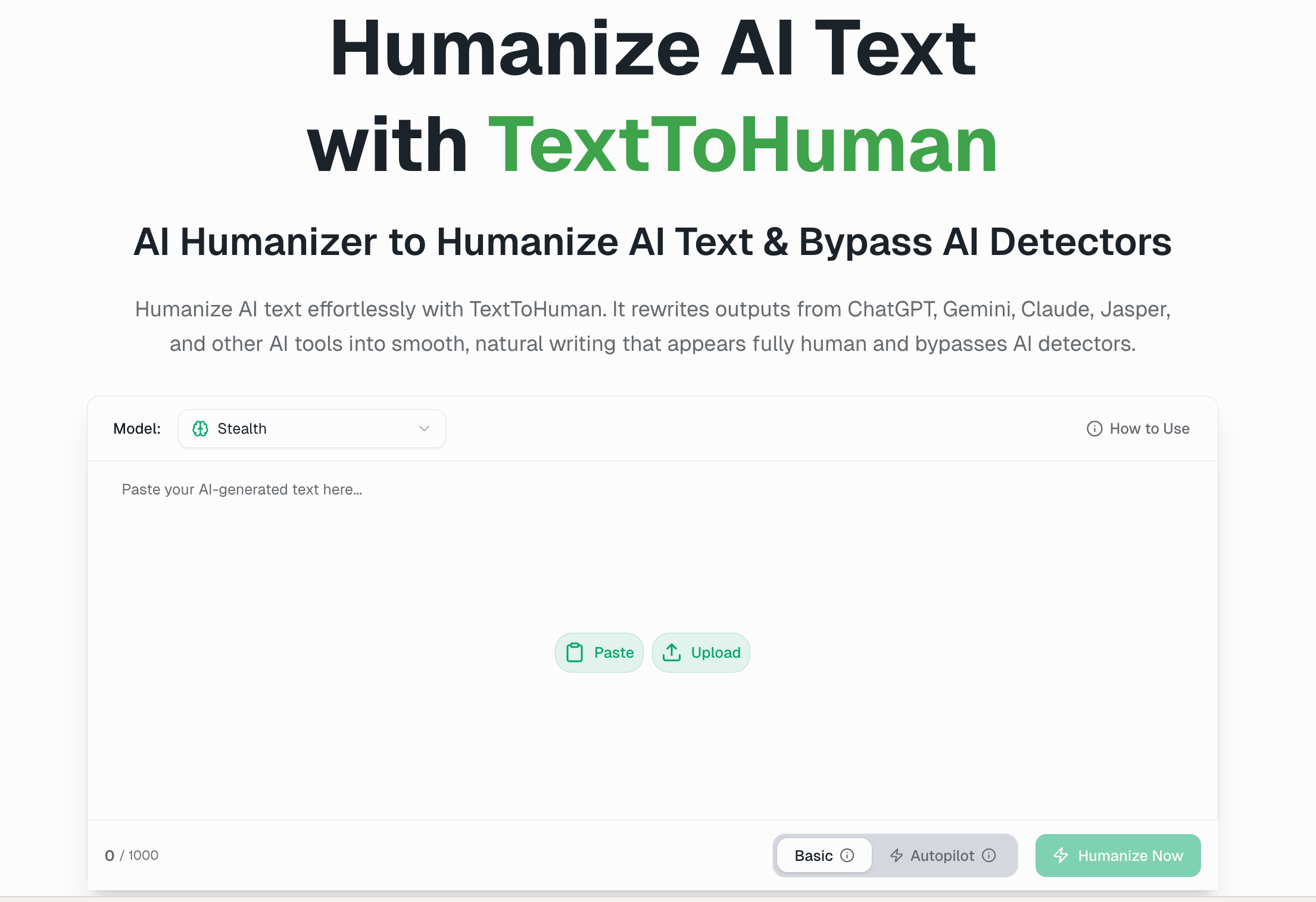
TextToHuman's headline is rare and, this time, real: a completely free tier with unlimited usage, no signup and no card — just a 1,500-word-per-run cap. Most of the category meters its free tier in hundreds of words; this one doesn't meter it at all. The standout workflow is Smart Alternatives: click any sentence in the output and get rewrites with their own detection scores, so you swap line by line until it passes. Independent reviewers consistently rate it the go-to free tool for everyday content — blog, email, social, SEO — and just as consistently flag where it isn't: technical and academic writing, where it loses nuance. Take it as a free, fast everyday humanizer, not a high-stakes one. Free, unlimited, and sentence-level The free tier is the whole reason TextToHuman has the following it does — unlimited runs at 1,500 words each, no account, on a custom model the company says it trained on 30 million-plus samples. Smart Alternatives is the feature that makes it pleasant to use: instead of re-running the whole passage, you click a sentence, see alternative phrasings each scored for AI detection, and keep the one that reads cleanest. A built-in detector scores the text before and after, so the check lives in the same window. Paid Pro adds an Autopilot that picks the approach for you, a more aggressive Stealth mode, a plagiarism checker and 25+ languages. What you get Truly free Unlimited runs, no signup or card; 1,500 words per run (basic mode) Smart Alternatives Click a sentence, get scored rewrites, and swap line by line Built-in detector Scores text before and after, in the same window Custom model Proprietary, trained on a claimed 30M+ samples Pro modes Autopilot (auto-picks the approach) and Stealth (more aggressive evasion) Pro extras Plagiarism checker, cloud-saved history, and 25+ languages How it holds up The independent picture is consistent in its inconsistency. On the easy end, one tester clocked the output at 0% AI on ZeroGPT; a mode-by-mode review put human-classification at 84% on Standard, 91% on Stealth and 96% on Premium — strong, though Copyleaks still flagged the Premium output at 15% AI. Pull back to a broader run across five detectors and the average drops to around 40%, which is the honest tell: results swing hard by detector and by mode. The throughline from reviewers matches the product's own positioning — a genuinely good free tool for everyday content that loses nuance on technical or academic material. So lean on Stealth or Premium plus the built-in check for anything that has to pass, and don't expect consistency on the strictest detectors. The catch Two real limits. Performance is detector-dependent: excellent on the lenient ones, middling-to-shaky on the strict academic ones, so high-stakes work needs verifying mode by mode rather than trusting a single run. And it's built for everyday prose — push technical or academic content through it and the rewrite tends to flatten the precise parts. There's also no API, so it stays a browser tool rather than something you'd wire into a pipeline. The verdict TextToHuman is the easy pick for the everyday content writer — blog, email, social, SEO — who wants unlimited free humanizing with a sentence-level workflow that makes cleanup quick, and who'll reach for Pro's Stealth mode and Smart Alternatives when a piece needs to clear a harder detector. The truly-unlimited free tier is the genuine draw, and Smart Alternatives is the reason to stay. It's the wrong tool for high-stakes technical or academic writing, where the nuance loss shows and the strict detectors get inconsistent. For everyday copy it's hard to argue with free and unlimited; ask it to clear a strict academic detector and you're back to rolling the dice.
Writing Undetectable Humanization SEO
$6.00/month

Free tier

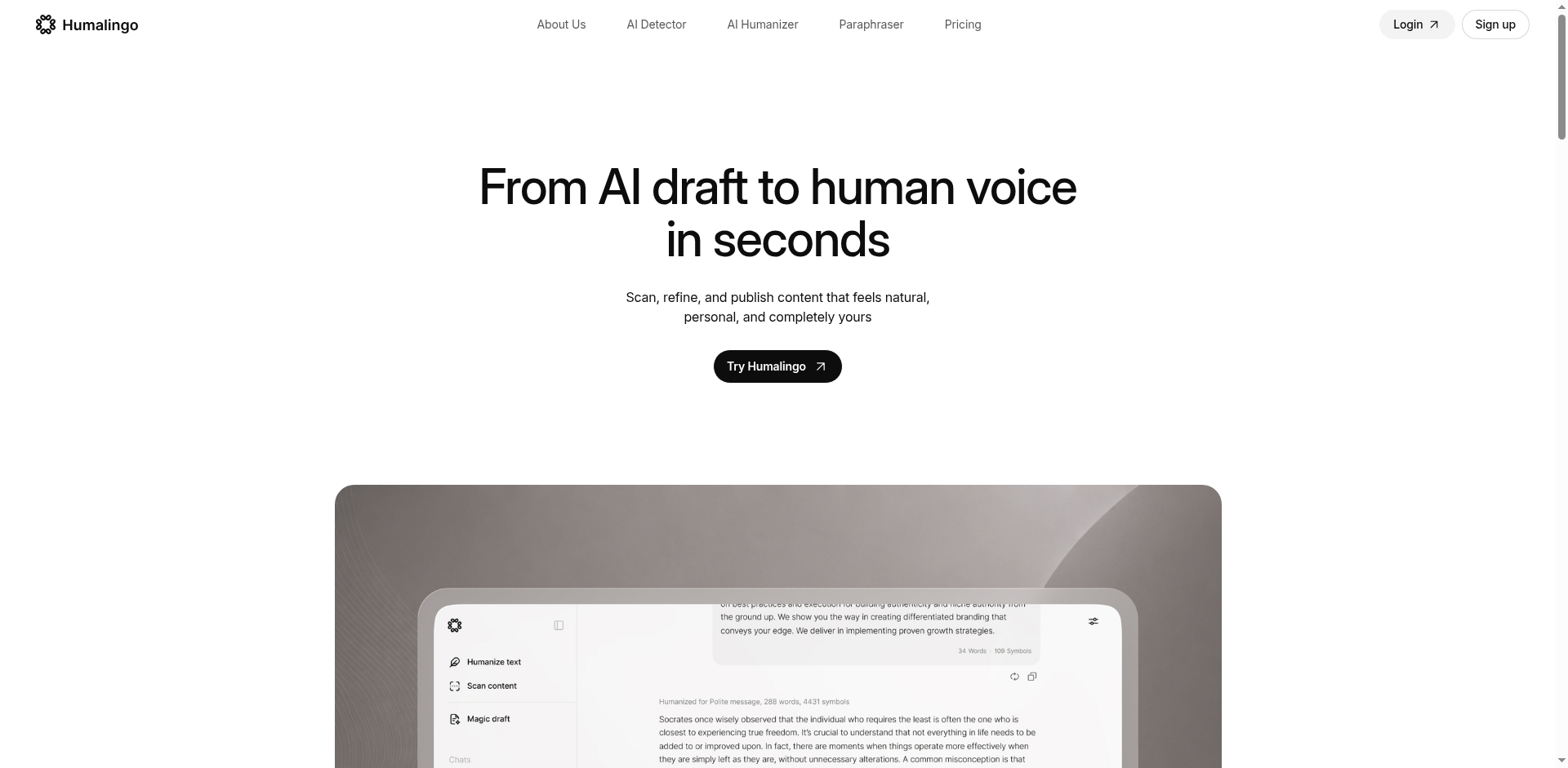
HumaLingo homepage — From AI draft to human voice in seconds with Try Humalingo CTA, and a preview of the AI Humanizer / Scan content / Magic draft sidebar beside the input editor
HumaLingo logo

HumaLingo

Turbo bulk humanizing

HumaLingo's case is speed and breadth. It claims to humanize 4,000 words in under thirty seconds, and it surrounds the humanizer with a full kit — an AI detector that highlights and explains what tripped it, a paraphraser, a plagiarism checker and a word counter — so the whole rewrite-check-polish loop stays in one window. The humanizer also takes direction: tell it whether a piece should inform, persuade, reflect or analyze, and it writes to that intent. The bypass quality has no independent testing behind it, so those numbers are the vendor's own; what's solidly real is the breadth, the purpose control, and a detector that shows its reasoning. The 7-day trial is where you find out whether the speed holds on your content. Speed, and a whole kit around it The throughput claim — 4,000 words in under thirty seconds — is the structural draw: on long pieces or daily volume, the humanizer keeps pace instead of stalling the queue. Breadth is the other half. The built-in detector doesn't just score a passage; it highlights the exact lines reading as AI and explains what triggered them, so you can fix the specific problem instead of re-running blind. The paraphraser offers a lighter touch than a full humanizing pass, a grammar-and-readability fix cleans up language in the same step — the part non-native English writers lean on most — and a plagiarism checker and word counter round out a kit that covers most of a writing workflow without a second tool. What you get Speed Turbo humanizing — a claimed 4,000 words in under 30 seconds Purpose-aware rewriting Set the goal (inform, persuade, reflect, analyze), with tone and style controls, and it writes to that intent Detector that explains Highlights the exact AI-flagged sentences and what triggered them, not just a score Also in the kit Paraphraser, plagiarism checker, grammar & readability fixes, word counter Input & history Plain-text, DOCX and PDF upload; unlimited working history on paid plans Models Versioned "5.0" humanizer and Pro detector tiers — though the base model isn't disclosed How it holds up The honest read: there's no outside verdict to lean on. We found no independent benchmark, no third-party review and no community thread on HumaLingo, so the bypass quality is whatever the vendor's pages claim. Judge it on what's checkable. The speed claim is concrete; the purpose control is a genuinely useful lever most humanizers don't offer; and the detector earns its keep by explaining itself — it tells you which sentences still read as AI and why, so you can target the fix rather than guess. The way to verify is the 7-day trial: run your real work, watch the detector, and see whether the rewrite clears the bar before you commit to a plan. The catch Two real limits. There's no API — the developer endpoint redirects to the homepage — so this is a web tool, not something you'll wire into a content pipeline. And there's no free tier: a 7-day trial gates the product, so evaluating it means starting that trial rather than kicking the tires for nothing. For a high-volume writer that's a quick decision; for a casual user it's the real test drive. The verdict HumaLingo is aimed squarely at writers rather than students — the working copywriter and the content team across marketing, media and online business, who turn out volume daily and want one window to humanize, check and polish with the speed to keep up. The purpose control suits anyone shaping a piece to a specific job, and the grammar-and-readability pass makes it a strong fit for non-native English writers and for personal writing that just needs to read naturally in your own voice. It's the wrong pick if you need API access, or if you want independent proof of bypass performance before you pay. Speed and a tidy all-in-one window are the real case for it; a single draft run through the detector will settle the rest faster than any feature list.
Writing Undetectable Humanization SEO
$11.00/month
Humanize AI Pro editor in action: top mode-tab row (Standard, Academic selected, Simple, Flowing, Informal, Formal, Expand, Shorten, Custom) and Ultra-run toggle;...
Humanize AI Pro logo

Humanize AI Pro

Auto Blog Writer included

Humanize AI Pro is really a content tool wearing a humanizer's badge. Its standout is the Auto Blog Writer — included on every tier, even the free one — which turns a topic or outline into a structured draft and then runs it through the same v8 engine that rewrites pasted AI text. Add a Chrome extension that humanizes highlighted text anywhere you write, and it's a draft-to-published workflow rather than a single rewrite box. The bypass marketing is loud — near-perfect scores across every detector — but those are the company's own numbers, and the one independent test we found tells a different story. Come for the writing workflow; treat the bypass claims as unproven. More than a rewrite box The Auto Blog Writer is the genuine differentiator. Paste a topic or an outline and it produces a structured post, which the v8 engine — the company's own, built to restructure sentence architecture rather than swap words — then humanizes in the same pass. The Chrome extension extends that anywhere you write: highlight text in Google Docs, a CMS or a chat box and rewrite it from the right-click menu. With up to 10,000 words a request and near-instant returns, it's built to keep up with a publishing calendar, not just a one-off essay. What you get Auto Blog Writer On every tier, free included — topic or outline in, a structured draft out, then humanized v8 Engine The company's own engine; claims to restructure sentence architecture rather than swap words Chrome extension Right-click humanize for highlighted text in Docs, a CMS or chat Speed & scale Up to 10,000 words per request, near-instant, no queue Tone tiers Basic (Free/Starter), Advanced (Pro), Premium (Ultra) Reach 50+ languages, with output tuned to read naturally for search as well How it holds up The bypass marketing is the loudest thing on the site — Turnitin, GPTZero, Originality.ai and the rest listed at 99–100% human — but every one of those figures is the company's own daily testing, framed as round marketing numbers rather than a methodology you can check. We found no independent benchmark and no community signal to corroborate them. What we did find was a single independent video test that ran Humanize AI Pro against three detectors and reported it failed them. One test isn't a verdict, but it's the only outside data point, and it points the opposite way from the vendor's 100%. So we don't credit the bypass claims. What holds up on its own merits is the writing workflow — the Auto Blog Writer and the v8 rewrite are useful regardless of what any detector says. The catch Two real limits. The free tier is 500 words a month — enough to try the Auto Blog Writer a couple of times, and well short of the "unlimited free" the homepage implies, so a real workload means a paid plan sooner than the marketing suggests. And the bypass is the product's headline yet its weakest-evidenced part: with no independent confirmation and one outside test showing a failure, anything high-stakes needs checking on the detector you'll actually face before you rely on it. The verdict Humanize AI Pro earns its place as a writing workflow: the Auto Blog Writer on every tier, a v8 engine that does more than swap words, and a Chrome extension that brings rewriting into wherever you work make it a genuine draft-to-publish tool for content marketers and high-volume writers. Lean on it for that. It's the wrong pick if you're buying the bypass guarantee — the numbers are self-reported and the one independent test went the other way. Lean on the Auto Blog Writer, take the bypass scores as a maybe, and you'll get exactly what this tool is actually good at.
Writing Undetectable Humanization Academic +1
$10.00/month

Free tier

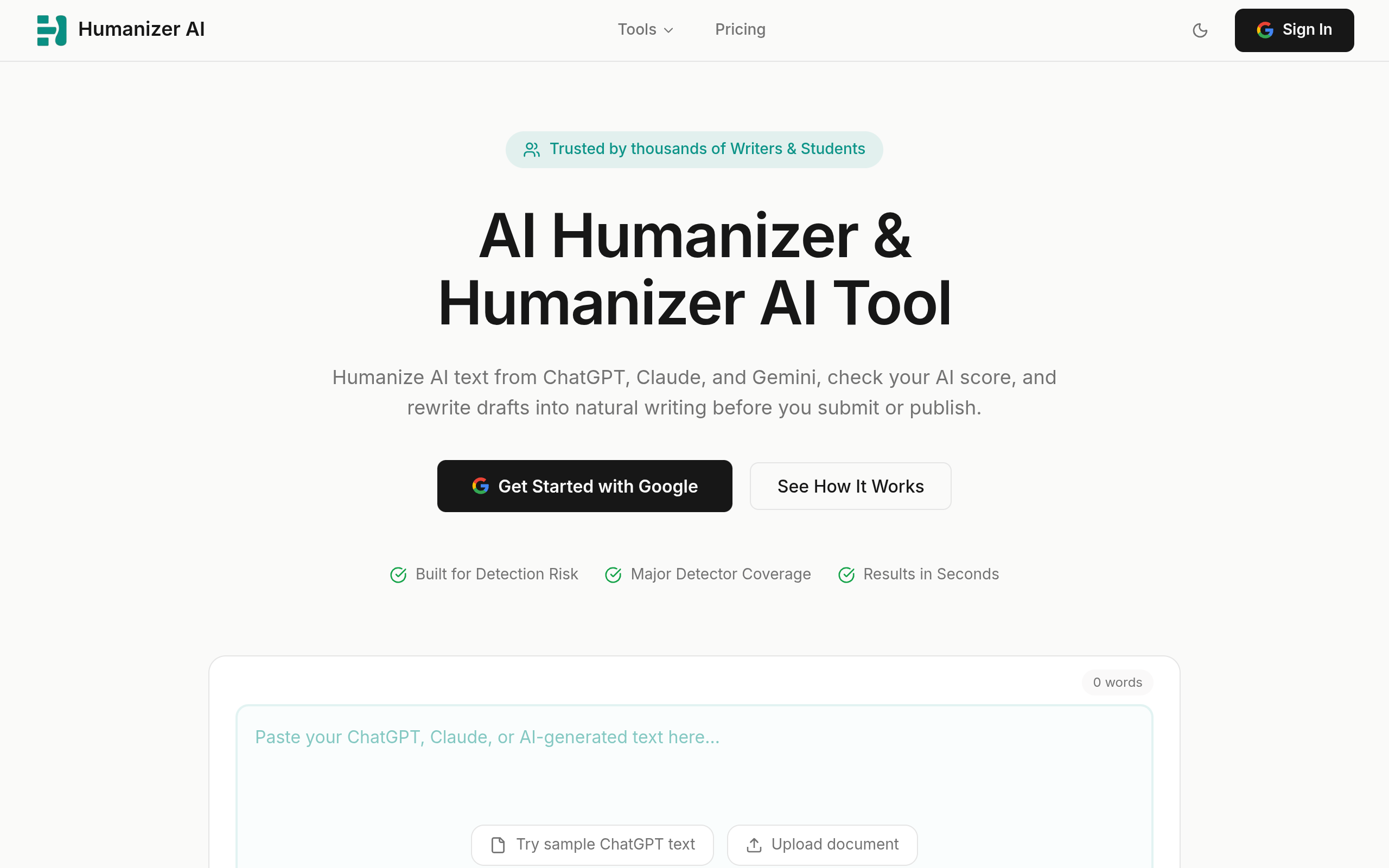
Humanizer AI landing page screenshot captured from humanizerai.com (full page).
Yuki Capital logo

Humanizer AI

MCP server

Humanizer AI is built for people who run their writing through agents, not browser tabs. It's the rare humanizer that ships both an MCP server (on npm) and an AI Agent Skills integration, so you can wire it into Claude with one command and humanize or check text as a tool call. Around that sit a documented REST API with webhooks, three rewrite strengths, document upload and a free, unlimited built-in detector. It's also unusually candid for the category — the vendor flatly says most humanizers exaggerate their bypass rates and publishes its own mid-range numbers instead of a fake 99%. The honesty is refreshing; the evidence is still its own. Built for agents The differentiator is integration. Humanizer AI is the only tool here pairing an MCP server with Agent Skills: install the skill with a single /learn command, connect the MCP server from npm, and the humanizer lives inside your agent workflow rather than in a separate window. For developers there's a real REST API — humanize and detect endpoints, webhook support for async jobs, and published rate limits that climb from a few hundred requests a minute to over ten thousand on the top tier. Three modes (Light, Medium, Bypass) set the rewrite strength, and a useful detail for technical writers: quoted text, citations and even LaTeX pass through untouched rather than getting mangled in the rewrite. What you get MCP + Agent Skills The only tool here with both — install via /learn, connect the npm MCP server, use it inside Claude REST API + webhooks Humanize and detect endpoints, async webhooks, rate limits up to 10,300/min Three modes Light, Medium and Bypass set the rewrite strength to the detector you face Free detection Built-in detector, unlimited and free, even without a humanizing plan Element preservation Quotes, citations, dialogue and LaTeX pass through untouched Reach & input 50+ languages, document upload, and a Chrome extension How it holds up The bypass numbers are the company's own, but Humanizer AI is more honest about that than most. Its published benchmark averages about 80% across five detectors — GPTZero 83%, ZeroGPT 86%, Turnitin 78%, Originality.ai 74%, Copyleaks 81% — and the vendor explicitly says the category's "99% bypass" claims are exaggerated, putting out those mid-range figures instead. There's still no independent test or community signal to confirm them, so take ~80% as a self-reported-but-plausible ceiling rather than a guarantee. One more thing worth knowing: the privacy policy reveals the text is processed by OpenAI, which means the "proprietary" engine is an orchestration layer on top of OpenAI rather than a model of its own. You're paying for the agent integration and the API, not for a secret model. The free built-in detector is the honest way to check where your output actually lands. No free humanizing, and a borrowed engine Two real limits. There's no free humanization — detection is free and unlimited, but rewriting starts at the 10,000-word Starter plan, so you can't try the actual product on real text without paying. And the performance, while candidly reported, is unverified and rests on an OpenAI back end, so for anything high-stakes the built-in detector — not the marketing average — is what to trust. It's a platform priced and built for serious, programmatic use, not a casual paste box. The verdict Humanizer AI is the right pick for the agent-driven power user and the developer — anyone who wants humanizing available as a Claude tool call or a webhook-backed API, with rate limits that scale to agency volume. The MCP-plus-Agent-Skills combination is genuinely uncommon, and the element preservation makes it a sound choice for technical and cited writing. It's the wrong pick if you want to test before paying, or if you just need a simple browser humanizer — the value is the integration, not a turnkey rewrite. You're buying the wiring, not a miracle engine — and for a workflow that lives inside an agent, that wiring is genuinely hard to find anywhere else.
Writing Humanization Undetectable Academic
$10.00/month
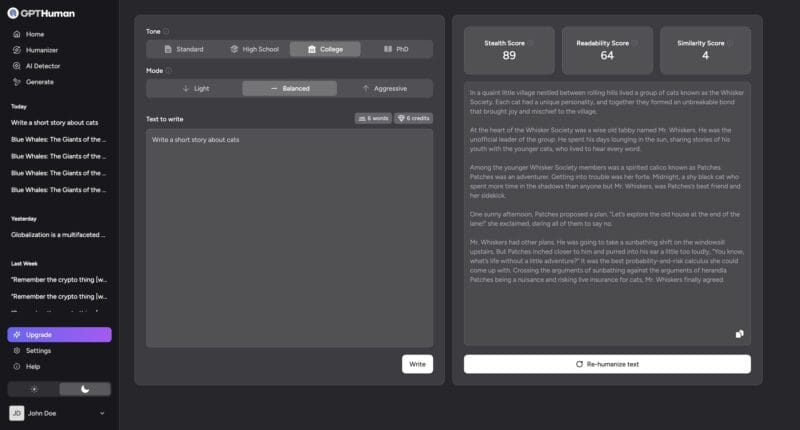
GPTHuman app: dark sidebar (Home, Humanizer, AI Detector, Generate) with History list; main area is a split-pane editor — left side has Tone selector (Standard, High School, College, PhD), Mode selector (Light, Balanced, Aggressive),...
GPTHuman logo

GPTHuman

Generate-from-scratch bypass

Most humanizers wait for you to paste in AI text and soften it. GPTHuman does that too, but its real pitch is the step before: hand it a prompt and it generates the content from scratch, already built to read as human. Around that sits a genuine closed loop — a built-in detector, three diagnostic scores, and a Re-humanize pass that targets the exact sentences still tripping a flag. The capability is real and unusually complete for one tool. The asterisk is just as real: every bypass number GPTHuman publishes is its own, with no independent testing behind the guarantee. The 7-day trial is where you prove it. What it does beyond rewriting The differentiator is generation. The Human Content Generator takes a prompt and produces undetectable copy directly, so you can go from idea to finished draft without a separate writing tool in front of it. From there the work stays in one place: humanize a draft, scan it with the built-in detector, and re-humanize the sentences that still read as machine — GPTHuman points to the specific lines carrying the AI signal instead of reprocessing the whole block. What you get Underneath the generator is a full humanizing suite, and the controls are the point. Generation Human Content Generator — prompt in, undetectable draft out, across 50+ languages Humanizer Rewrites pasted AI text; targets Winston AI, Originality.ai, Copyleaks, GPTZero, Turnitin and QuillBot Verification Built-in AI detector (color-coded, tuned to current Turnitin standards) plus three scores — Stealth, Readability (Flesch-Kincaid) and Similarity Holding the score Shield Guard resists score decay across repeated passes; Re-humanize re-treats only the flagged sentences Tone control Academic registers (Standard, High School, College, PhD) and rewrite depth (Balanced, Enhanced, Professional) Input & teams PDF and Word (.docx) upload; revision history and bulk processing on paid plans Developer API Credit-based, no card to start, credits never expire, same bypass guarantee as the web app How it holds up This is where the honesty has to come in. GPTHuman's marketing rests on a blanket guarantee — outputs that pass every major detector, posted at 99%+ — but that figure is entirely the company's own, run on its own content. There's no independent benchmark, no third-party review, and no community signal in the record either way; the model itself is undisclosed, credited only to "elite language model engineers" and a claimed 200-million-text training set. So we don't take the guarantee at face value. What makes the product defensible isn't the claim — it's that GPTHuman hands you the means to check it: the built-in detector and the Stealth Score show where a draft actually stands before you submit, and Re-humanize lets you push the weak sentences instead of gambling the whole piece. The verification surface is the real value; the guarantee is marketing until your own detector agrees. The catch The real limit is credibility, not capability. The model is undisclosed — credited only to "elite language model engineers" and a 200-million-text dataset — and every bypass benchmark is the company's own, so you're trusting the output rather than an audited spec or an independent test. That puts the weight on the 7-day trial: run your real submissions through the detector you'll actually face, and let the result, not the guarantee, decide whether it clears the bar for high-stakes work. The verdict GPTHuman fits if you want generation and humanizing in one place — a prompt-to-undetectable-draft pipeline with a real verification loop bolted on — and it suits a developer who wants a credit API that never expires, or a student who'll lean on the score panel, Re-humanize and the PhD register before a Turnitin scan. It's the wrong tool if you need independently proven bypass numbers or a refund after the trial. The trial is short and the outside proof is thin, so treat those seven days as the audition — real assignments, real detectors, no benefit of the doubt.
Writing Humanization Undetectable Academic
$8.00/month
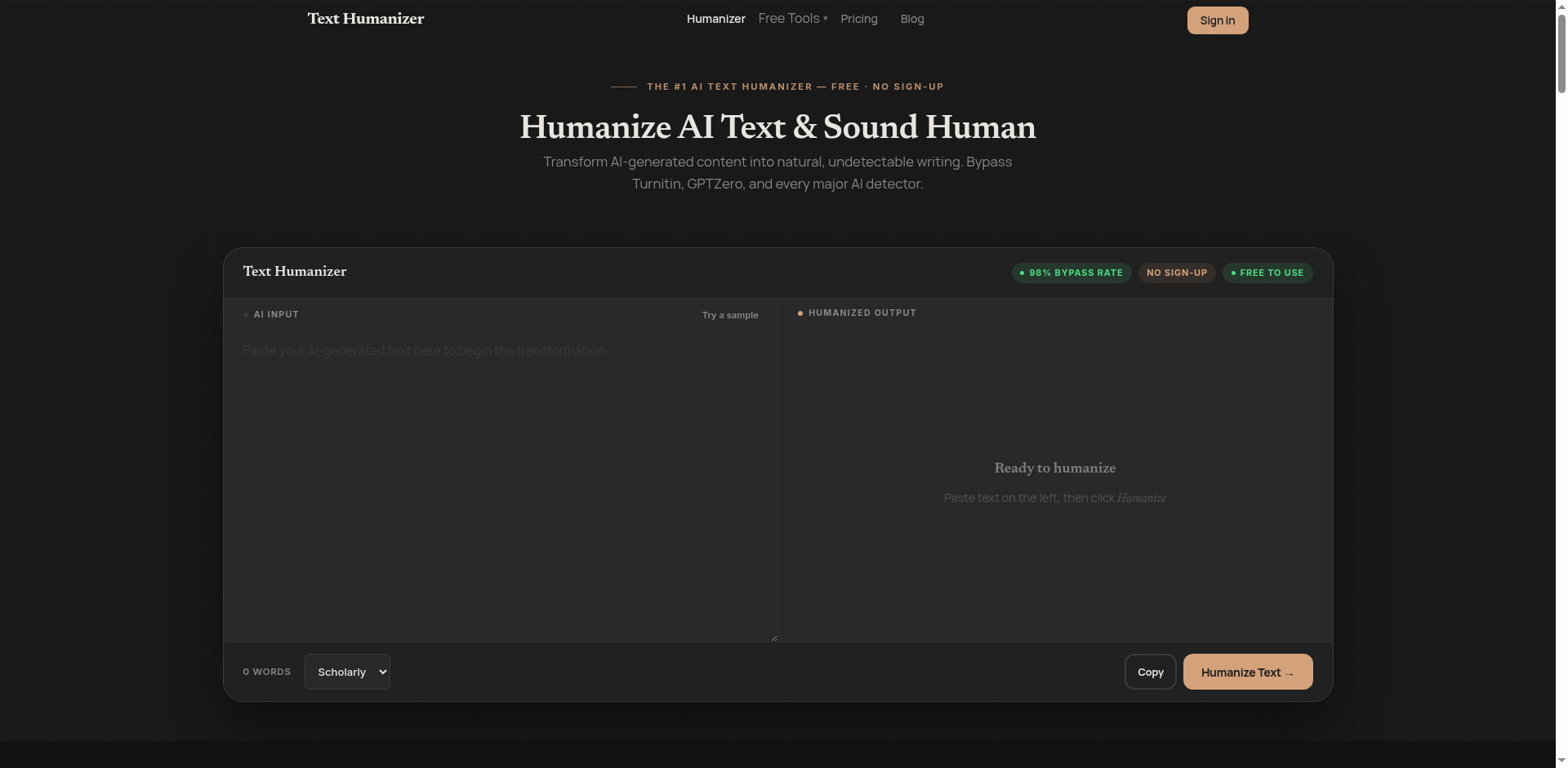
TextHumanizer homepage screenshot — AI Input and Humanized Output panels with 98% Bypass Rate, NO SIGN-UP, FREE TO USE badges
TextHumanizer logo

TextHumanizer

Detector Targeting + style

TextHumanizer's pitch is control. Where most humanizers give you one rewrite button, its Pro tier lets you target a specific detector and have the engine tune the rewrite for it, mirror your own writing style from samples, and freeze up to fifty terms so domain vocabulary survives the pass. The free tier — 1,000 words a month, no signup, no card — is a real way to test the engine first. The honest wrinkle is the headline: TextHumanizer markets a 98% bypass rate, but an independent test of the Pro version flagged it on the two detectors that matter most for school. The feature stack is genuinely differentiated; the bypass claim is contested, and you should see both. Control the rewrite The differentiator is a stack of controls rather than a single pass. Detector Targeting lets you name the detector you're up against — Turnitin, GPTZero, Originality.ai, Copyleaks or ZeroGPT — and the engine adjusts strategy for it. Style Mirroring trains on samples of your own writing so the output sounds like you, not a generic rewrite. Frozen Keywords pins up to fifty terms in place, which is the feature technical, medical and legal writers actually need, since those are the words a rewrite tends to mangle. Three tone modes — Scholarly, Creative, Casual — sit on top. It's English-only, and that's a real limit on who it serves. What you get Free tier 1,000 words a month, no signup or card; 100 humanizations a month Detector Targeting (Pro) Name the detector and the engine tunes the rewrite for it Style Mirroring (Pro) Train on your own samples so the output matches your voice Frozen Keywords (Pro) Pin up to 50 terms so domain vocabulary survives the rewrite Built-in verification (Pro) Run output past several detectors in one workflow before you deliver Tone & reach Scholarly, Creative and Casual modes — English only How it holds up This is where the marketing and the evidence part ways. TextHumanizer advertises a 98% bypass rate, but an independent test of the Pro tier told a harder story: 46% AI on Turnitin and 56% on Originality.ai — the two detectors that decide most academic submissions — plus a flag on Copyleaks, though GPTZero came in at a more comfortable 22%. A separate independent review was kinder, reporting solid score reductions across detectors generally, so the picture is genuinely mixed rather than damning: the engine clearly moves the needle, but not to the near-perfect place the headline implies, and the hardest academic detectors are exactly where it slips. We don't credit the 98%. Detector Targeting and the built-in verification are the right tools to find out where you actually land — use them on your real detector before trusting it. The catch Two real limits. The bypass falls well short of the marketing on the strictest academic detectors, so high-stakes Turnitin or Originality.ai work needs checking — and likely a second pass — not faith in the 98%. And it's English-only: anyone working in another language has no workflow here. The free 1,000 words is enough to settle both questions before you pay. The verdict TextHumanizer is the right pick for the writer who wants control over the rewrite — naming the detector, locking terminology, matching a personal style — and who works in English and will verify rather than trust the headline number. The Frozen Keywords feature in particular makes it worth a look for technical and domain writing where meaning can't drift. It's the wrong pick if you need dependable bypass on Turnitin or Originality.ai out of the box, or if you write in any other language. Aim Detector Targeting at the detector you actually fear and freeze the words you can't afford to lose — that pairing is the thing nothing else here quite matches.
Writing Humanization Undetectable Academic
$7.00/month

Free tier

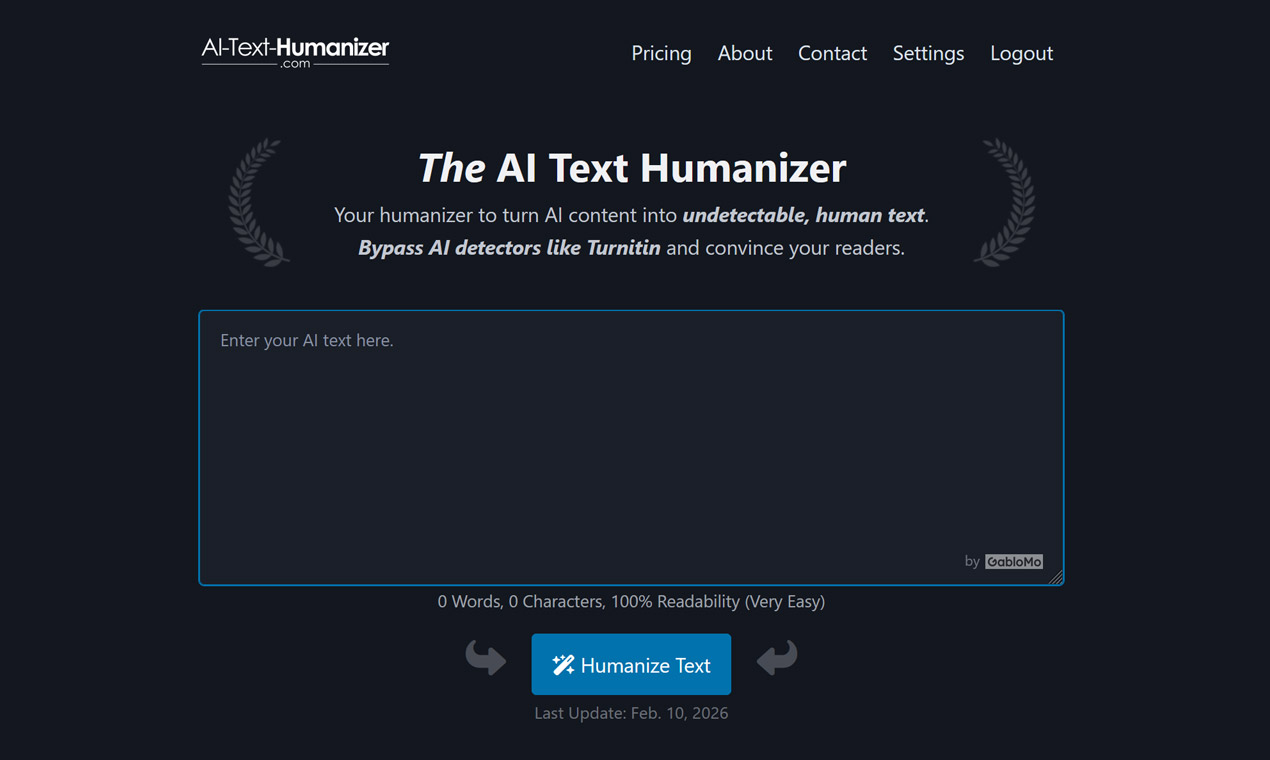
AI Text Humanizer homepage hero — dark-themed page with the wordmark, a text input box, live word and readability counter, and the blue Humanize Text button
AI Text Humanizer logo

AI Text Humanizer

500-word free tier

AI Text Humanizer strips the category down to its least annoying form: paste your text on the homepage and it runs — no signup, no email, no card, 500 free words a month. Its real trick is variable output: run the same paragraph two or three times and you get genuinely different rewrites each pass, so you reroll until one lands instead of accepting the first attempt. The tool was built for one detector in particular — the FAQ says it plainly, "Turnitin is the reason we started this tool" — and an independent review puts it at 72% detection reduction: a solid mid-pack result, with a real soft spot on technical and academic prose. It's the no-commitment way to find out whether a humanizer fits your writing. Variable output, and a Turnitin obsession Two things set AI Text Humanizer apart. The first is variable output generation: the same input doesn't produce the same rewrite twice. Run a paragraph a few times and pick the best — the independent review that tested it singled this reroll out as the genuine differentiator, since taking the best of several passes beats accepting one fixed attempt. The second is focus. Most humanizers chase every detector at once; this one was built around Turnitin specifically, and the team ships updates when Turnitin's model changes. On the company's own testing it also clears ZeroGPT, QuillBot, CopyLeaks and AIScan24, but Turnitin is the one it's tuned for. What you get No-friction free tier 500 words a month with no signup, email or card; 200 words per run Variable output The same text rewritten differently each run — reroll and keep the best Built for Turnitin Tuned for Turnitin first, updated when its model changes; also clears ZeroGPT, QuillBot, CopyLeaks, AIScan24 (claimed) Access model A monthly plan with API, or a one-time prepaid block valid two years — no subscription to manage API On the monthly plan only; the variable-output reroll isn't exposed through it In-editor signals Live word and character counter and a readability score as you write How it holds up The honest performance read comes from outside the vendor: an independent review (detectiondrama, March 2026) tested AI Text Humanizer at 72% average detection reduction across content types — a solid mid-pack result, not a top-of-class one. The same review flagged where it slips: technical and academic writing, where the rewrite swaps precise terminology for looser paraphrases and the loss of accuracy is real. It also singled out the variable-output reroll as the genuine differentiator — being able to run a passage again and take the best version is more useful in practice than a single fixed pass. On the company's own testing the tool clears Turnitin and the rest; the independent 72% is the number we'd anchor to. The catch Two real limits, both about fit. If your work is technical, scientific or academic-heavy, expect more cleanup — the 72% average hides a weaker showing exactly where precise terms matter most. And the API comes only with the monthly plan, not the one-time prepaid block, and it doesn't expose the variable-output reroll, so a developer who wants rerolls at scale has to build that logic themselves. The verdict AI Text Humanizer is the right pick for the writer who wants to try a humanizer with zero commitment — no signup, 500 free words, and a reroll loop that lets you take the best of several rewrites — and for anyone whose main worry is Turnitin specifically, since that's what it's built around. The one-time prepaid block suits an uneven workload without a recurring bill. It's the wrong tool for heavy technical or academic prose, where the 72% sags and precise terms drift, or for a developer who needs API and rerolls in one package. The reroll is the whole trick — run a paragraph a few times, keep the best, and within minutes you'll know whether it's your tool.
Writing Humanization Undetectable Academic
$20.00/month

Free tier

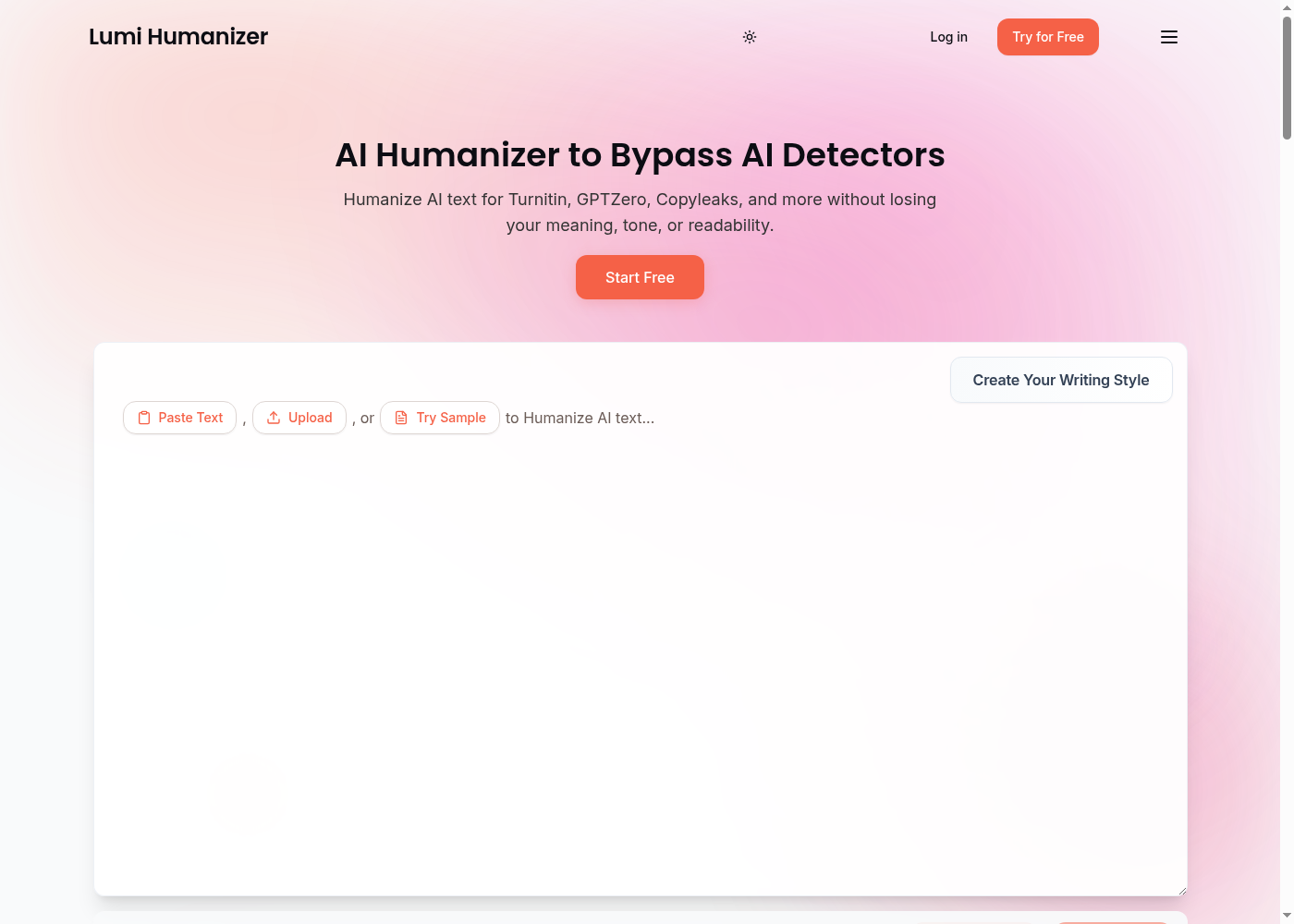
Lumi Humanizer homepage showing the public AI humanizer product surface with Paste Text, Upload, Try Sample and Create Your Writing Style controls
Lumi Humanizer logo

Lumi Humanizer

Multilingual Brand Glossary humanizer

Lumi Humanizer is the humanizer built for the multilingual, multi-format job — 40+ languages, plain-text and Word document upload up to 10 MB, a free trial, and a Brand Glossary feature on the top tier that locks brand names and terms during humanization. The pitch is breadth without bloat: writers, students, and teams who write in more than one language or handle uploaded documents. We tested the editor — paste, pick a mode, the rewrite clears the standard roster of detectors (Turnitin, GPTZero, Copyleaks, Grammarly, QuillBot) — and the Brand Glossary is the line that makes the Unlimited tier worthwhile for anyone managing brand voice across a team. What you get Core capabilityMulti-format AI humanizer with native language detection-bypass Languages40+ languages, with English as the strongest supported tier Document handlingPlain text and Microsoft Word (.docx) up to 10 MB Side toolsFree grammar checker · paraphrasing tool · plagiarism checker Top-tier differentiatorBrand Glossary (Term Lock) — protect brand names and terms during humanization Quota shapeTier-based monthly words with per-request ceilings How it holds up Lumi's editor is the kind of clean, paste-and-go interface the category does well — it does the same thing on short and medium-length inputs, and the rewrite preserves tone rather than over-synonym-swapping. The supporting tools ride along without separate subscriptions: the grammar checker is a touch above a built-in browser spellcheck, the paraphraser has more character than a basic spinner, and the plagiarism checker is genuine overlap detection. The Brand Glossary is the workflow differentiator — feed it your product names, campaign terms, and acronyms, and the humanizer respects them across rewrites instead of mangling them. That's the gap nobody else in this category closes. In practice, the 40+ language claim is not marketing — Spanish, French, German, Portuguese, Italian, Dutch, Japanese, Korean, simplified and traditional Chinese, Arabic, and Russian are all in the supported set, with English the strongest tier but Spanish and French handling long-form cleanly. German preserves compound noun structure rather than flattening it, which is the test most humanizers in this category fail. Document upload is the workflow unlock for people who do not want to copy-paste from Word — drop the .docx file in (up to 10 MB), get the rewrite back, paste it back into the document. The side tools ride along without separate subscriptions: the grammar checker catches more than a basic spellcheck, the paraphraser has standard / formal / fluent / creative modes, and the plagiarism checker does overlap detection, not just exact match. The Brand Glossary is the line that makes the Unlimited tier worth it for anyone managing brand voice across a team — feed in product names, campaign terms, and acronyms, and the humanizer respects them across rewrites instead of mangling them with synonym swaps. The free trial's word count is real but not unlimited — plan a single test draft, not a full project, before committing to a paid tier. What we didn't love: the headline bypass rate claim is the company's, not an independent lab's, and the meta-stack detector roster on the homepage reads as marketing rather than tested-against. Long academic or legal drafts drift the way they do in the whole category — plan a second pass. The verdict The right tool if your work spans languages and you need document uploads, or if you're managing a brand voice and want a humanizer that respects your names. The free trial is enough to test fit on your real content against your real detector. Start on the Editor, paste a piece you've already published or submitted, and check the Brand Glossary feature — if it keeps your terms clean on the rewrite, you've found the differentiator that pays for the Unlimited tier.
Writing Undetectable Humanization SEO +1
$10.00/month

Free tier

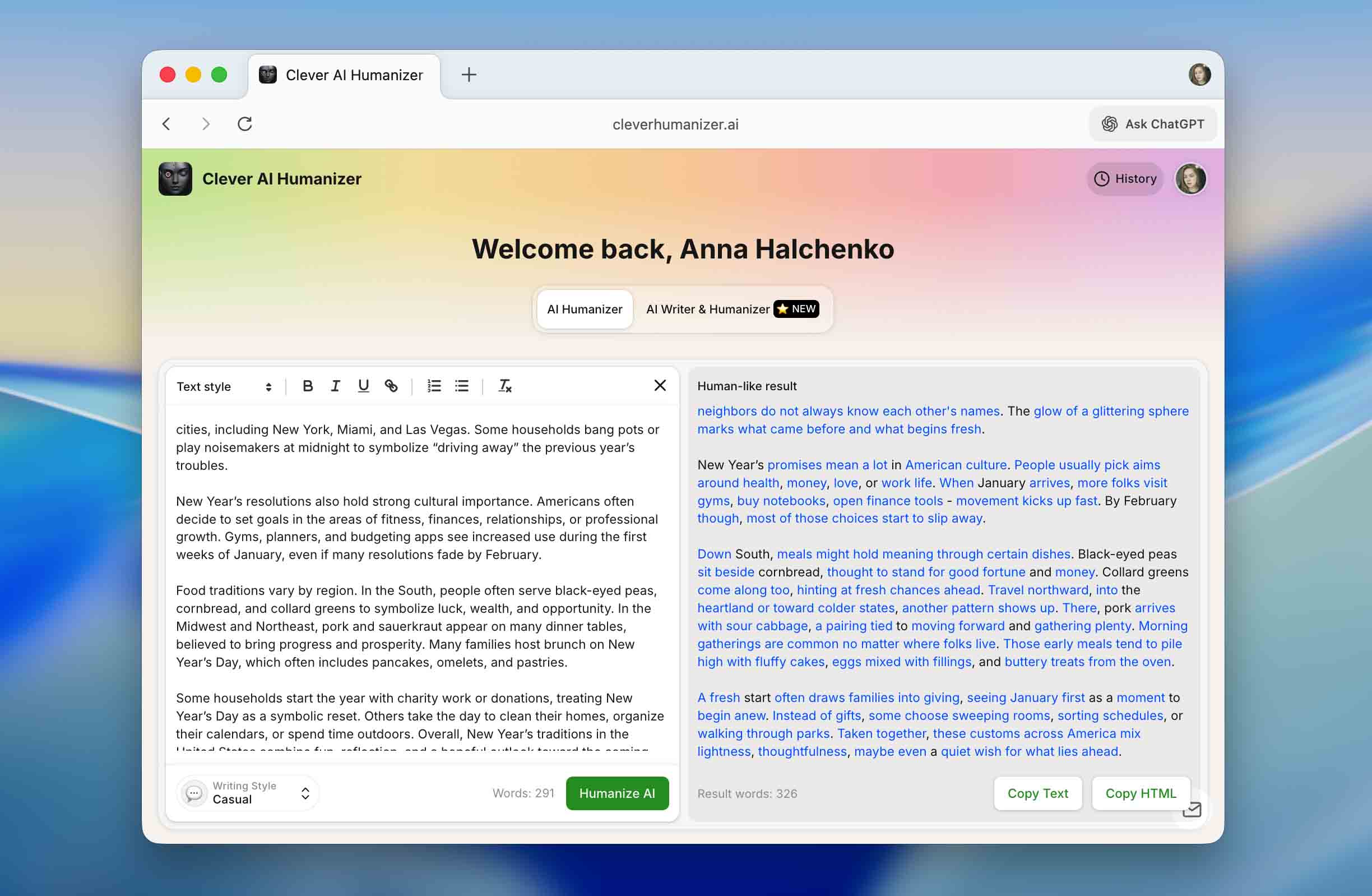
Clever AI Humanizer editor mid-run: AI text in the left input, humanized output highlighted on the right, with the Writing Style selector and Humanize AI button
CleverFiles logo

Clever AI Humanizer

Truly free (100k+ words)

Most "free" AI humanizers are a teaser with a credit-card wall behind it. Clever is the rare one that's free in the way that matters — 120,000 to 200,000 words a month, 7,000 per run, no card. If you've wondered whether a humanizer is worth paying for, this is where you find out for nothing: a genuinely capable tool with three real styles and an honest streak the category rarely shows. It won't clear the hardest detectors every time, but it asks for almost nothing to try. The free tier, and the one string attached Free here is real, with a single well-signposted nudge. Logged out, the editor humanizes up to 1,000 words a paste; a free account — email and password, about thirty seconds — lifts that to 7,000 per run on a 120,000–200,000-word monthly quota. Paste more than 1,000 words logged out and a modal simply tells you what an account unlocks. For most people that quota is effectively bottomless; run hundreds of pieces a month and you'll meet the ceiling, with no way to extend it. What you get Clever is a paste-in web editor and nothing more — two panes, a Humanize button, a result in about five seconds, with a "Try a sample" that preloads a 250-word essay so you can watch it run first. Writing styles Casual (default, top scorer) · Simple Academic (holds a formal register) · Simple Formal Usage limits 1,000 words/paste before sign-in · 7,000/run after · 120,000–200,000/month Not included No API, no extension, no document or bulk upload How it holds up On the test that matters, Clever averages 82.4% across five detectors on 100 ChatGPT texts: ZeroGPT 91, GPTZero 84, Copyleaks 82, Originality 78, Turnitin 73. It won't beat the hardest detectors every time, but the scores sit in a tight band rather than spiking on one and cratering on another, and on short pieces it clears 97–99%. The longer the input, the more it drifts. What earns Clever its quiet reputation among students isn't a feature — it's the company's own FAQ: "We don't promise specific results with AI detection systems. You should be skeptical of any tool that claims otherwise." Simple Academic is the proof: it keeps your sentence rhythm and register instead of flattening an essay into a synonym swap. The catch Two honest limits. High-stakes work — admissions essays, audited deliverables — wants more headroom than 82%, so plan a second pass; and long-form academic or legal writing needs a human review after, since Simple Academic preserves tone, not specialized vocabulary. And the generosity has a hard edge: heavy users hit the monthly quota with no way to extend it. The verdict Where to start if you want a free humanizer: genuinely free, a quota most users never exhaust, three real styles, and a Simple Academic mode that keeps academic work readable. It won't top the detectors on long-form, and power users will meet the monthly wall — but for finding out whether a humanizer fits your work, on your content, against your detector, it asks for almost nothing. Sign up, run a real piece, check it before you publish.
Writing Humanization Undetectable Academic
$0.00/month

Free tier

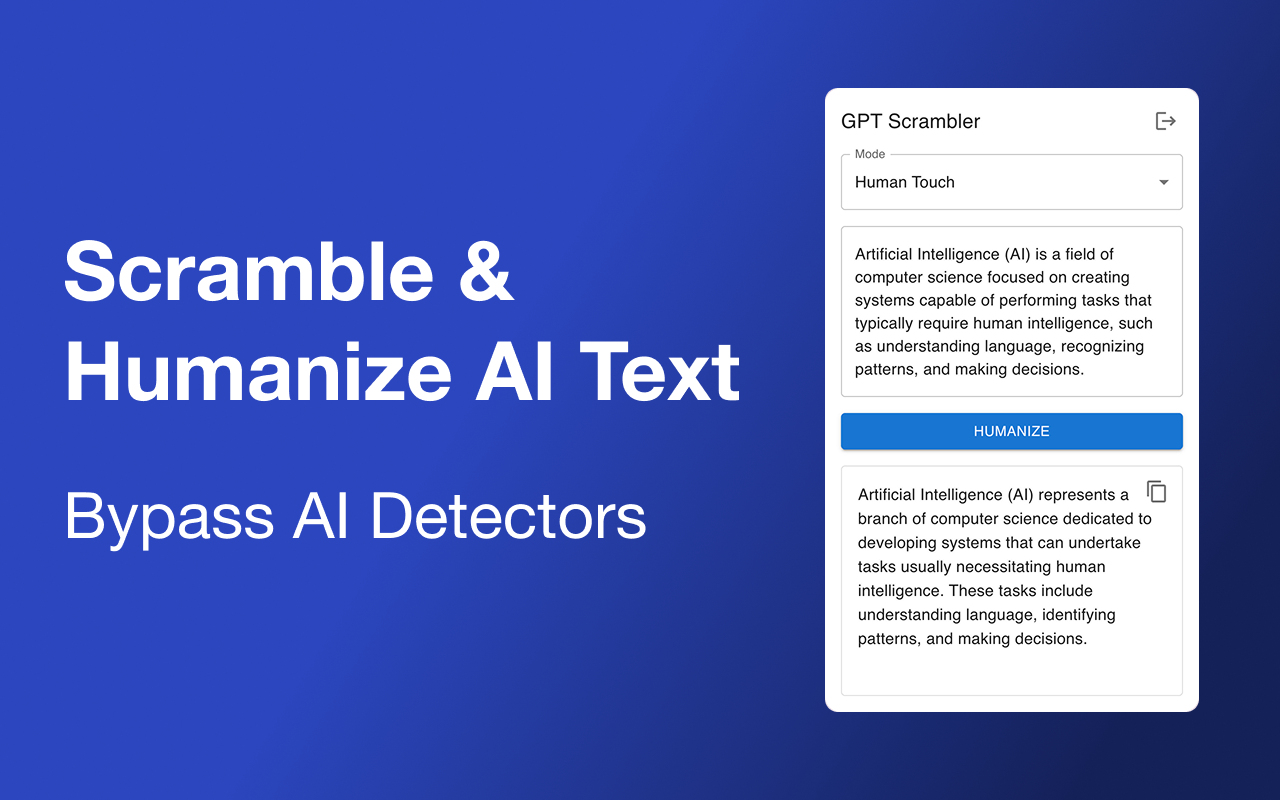
GPT Scrambler Chrome side panel in action: 'GPT Scrambler' header with mode selector set to 'Human Touch'; the original AI text 'Artificial Intelligence (AI) is a field of computer science focused on creating systems capable of performing tasks th...
GPT Scrambler logo

GPT Scrambler

Chrome side-panel rewrite

GPT Scrambler's edge isn't the rewrite — it's where the rewrite happens. Its Chrome extension drops a side panel right inside ChatGPT, Claude, Gemini, Notion or Google Docs, so you highlight AI text, scramble it and drop the human version back in place without ever leaving the page. The free tier asks for nothing — 500 words, no account, no card — and the vendor is refreshingly straight about results, saying it "gets you mostly there" rather than promising a fake 99%. It's the lowest-friction way into the category, built for someone who drafts in ChatGPT all day. The side panel is the product Most humanizers make you copy text out, paste it into their site, and copy the result back. GPT Scrambler removes that round trip entirely: the extension works in place, wherever you write. It keeps the original meaning and tone rather than producing a different piece, and it includes one nicely specific touch — it strips the em dashes that are a known ChatGPT tell, swapping in alternatives detectors don't flag as readily. It humanizes across multiple languages too, so a draft written in your first language isn't stuck in English. What you get In-place Chrome extension A side panel inside ChatGPT, Claude, Gemini, Notion or Google Docs — scramble and replace without leaving the page No-friction free tier 500 words a month, no account, no card Meaning & tone kept Rewrites the same content rather than producing a new piece Em-dash removal Strips the em dashes that flag AI, with substitutes that don't Multi-language Humanizes regardless of the input language Paid packs Word-count packs scaling from 2,000 a month to unlimited How it holds up Two things stand out about the evidence, and the first is the lack of it: there's no independent test, no review-site presence and no community signal on GPT Scrambler anywhere, and the model behind it isn't named. The second is the vendor's own framing, which is the opposite of the category norm. Instead of a 99% guarantee, GPT Scrambler claims a roughly 80% success rate and tells you outright it "gets you mostly there." That candor is a point in its favor — it's pricing expectations honestly — but it's still a self-reported number with nothing external behind it. The honest read matches the honest claim: it'll likely improve your detector scores rather than guarantee a pass, and the only way to know your number is to run your own text through it and check. A small free tier, and prices you have to look up Two practical limits. The free 500 words is a test, not a workflow — real use means a paid pack, and the catch there is that the specific rates aren't posted in a stable way, so you'll need to check the live pricing page for current numbers before committing. And like the rest of the category here, the performance is unverified — fine for everyday content where "mostly there" is enough, riskier for anything that has to clear a strict detector cleanly. The verdict GPT Scrambler is the right pick for the ChatGPT-heavy writer who wants humanizing built into the page they already work on — the in-place side panel is a genuine workflow win over copy-paste tools — and for anyone who appreciates a vendor that tells the truth about its ~80% ceiling instead of overselling. The em-dash removal is a thoughtful touch for catching ChatGPT's tells. It's the wrong pick if you need a free tier big enough for real volume, or guaranteed bypass on a strict detector. The side panel is the reason to keep it installed; the honest "mostly there" is the reason to believe what it tells you.
Writing Humanization Undetectable Academic
$9.00/month

Free tier

Rendering products